


Since I’m more or less starting from scratch, I needed a logo for my new business. How do I create a logo? I could have asked for help, maybe from a logo designer on fiverr.com, but that costs money, and I am trying for a ‘lean’ startup.
I’m also happy with the thought that as my business evolves, my logo will need to evolve along with it, so I don’t need to be stuck with the same logo forever if I decide I hate it, or it’s not professional enough, or it no longer reflects the ideas I originally had.
Therefore I’ll be happy as long as it
- gives at least a suggestion of what the business is about,
- doesn’t make me cringe to look at it, and
- can be scaled up or down without going all pixel-y and blobby.
So, how to create the image?
Use graphics software that can create different formats of image, like scalable vector graphics (.svg), and .gif files. I already happen to have CorelDRAW, but a quick search showed me that there are cheaper (or free) alternatives, like these).
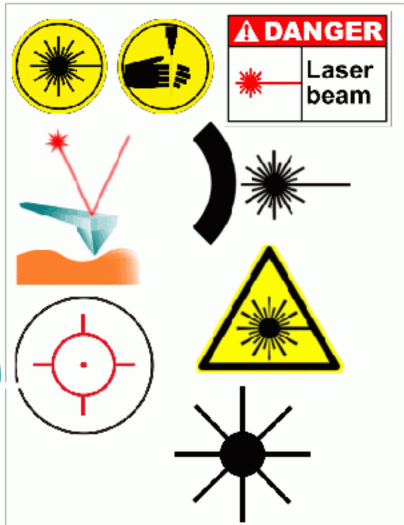
Do a Google image search for keywords in your business name, or key themes of the business. I wanted something for “LaserSister”, so first of all I searched for “laser”:


…I noticed that a lot of the images had a straight line and/or a bursting ‘zap’ image, so I started to copy and paste these into a separate document, as reminders of the type of image I was looking for (I could also have done this on Pinterest):

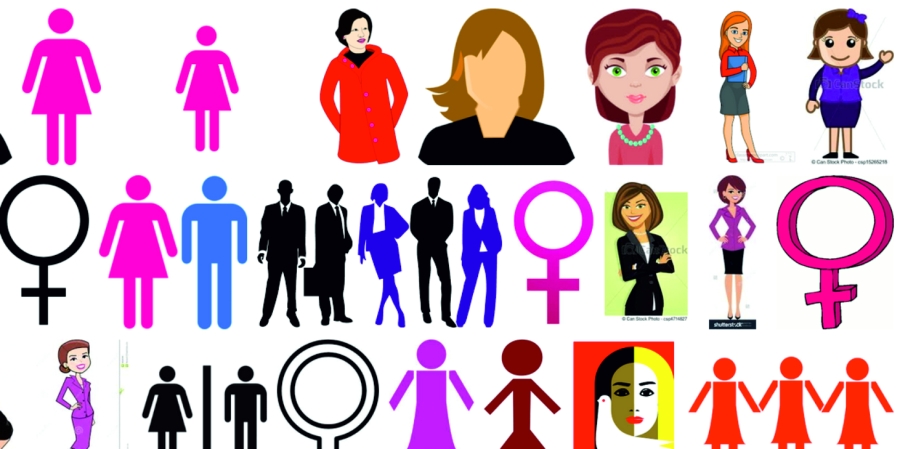
I also did a search for images that represented “sister”. A load of pink images came up (and I hate pink), so I discounted them. Lots of female symbols and female toilet symbols also appeared, but that wasn’t really me either…

…but one thing that did come up was a heart, which seemed like a fairly positive image, so in the drawing software I made a ‘zap’ image and a heart, put one on top of the other, and suddenly I had a logo:

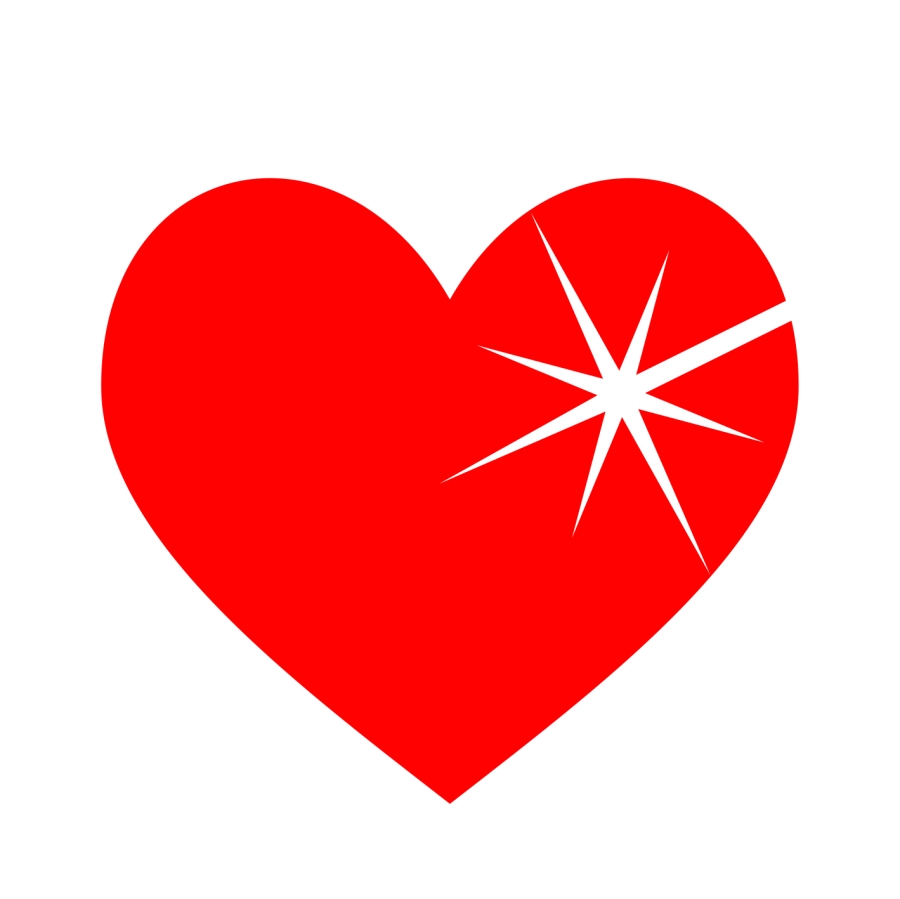
Then I exported it as a .jpg file so I could use it on my website.
Yes, I could have got a better logo if I’d gone to a professional – but like I said, I know that the business will continue to evolve, so when the time comes I will change my logo, but for now I like having a free one that I created myself. 🙂
Save