Posted on Leave a comment

Hand-Cut or Laser-Cut? That is the Question!

valentine heart and doves papercut comparing hand-cut and laser-cut versions (hand-cut closeup)

Today I put a short video on TikTok and YouTube (and a couple of other social media sites) comparing two papercuts. I asked, “Hand-Cut or Laser-Cut”? This is the design from a previous post, where I got ChatGPT/DALL-E to help me design a Valentine heart. I then cut it two different ways; by hand and by laser.

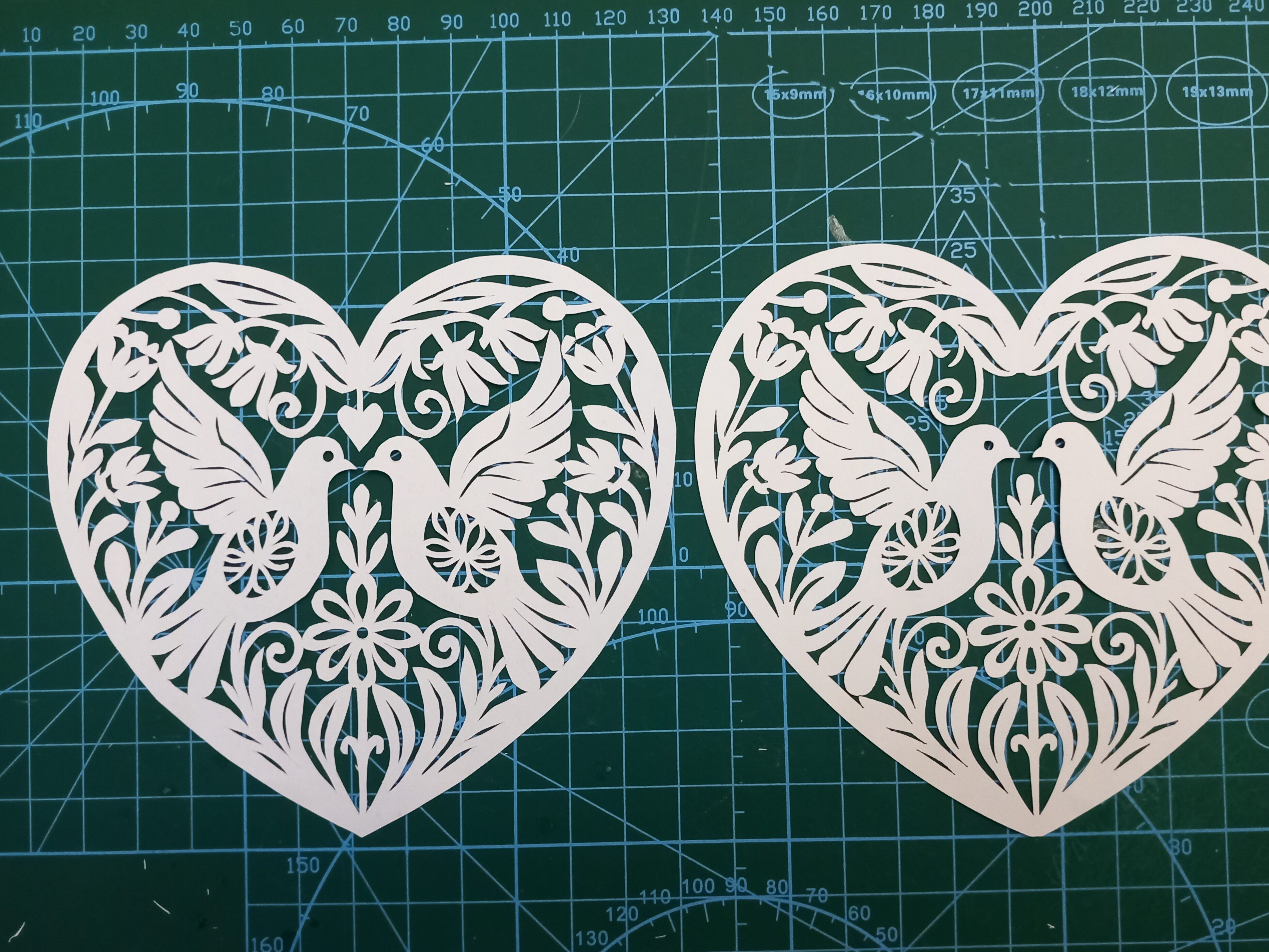
Here is a closer look at the two pieces. Can you tell which is which?:

valentine heart and doves papercut comparing hand-cut and laser-cut versions

(Before anyone mentions it – I realise I accidentally cut off the little heart above the doves’ heads in version 2. Oops!)

So…the one on the left is the hand-cut version:

valentine heart and doves papercut comparing hand-cut and laser-cut versions (hand-cut closeup)

…and here is the same section done by laser:

valentine heart and doves papercut comparing hand-cut and laser-cut versions (laser version closeup)

There is one easy way to tell them apart, without even having to look at detailed closeups. The stand-out difference is that the rightmost one is a tiny bit brown, due to smoke in the lasercutting machine. To successfully create a papercut with a laser machine, you quite often have to turn off the ‘air assist’. I might do a separate post one day on why, but the relevance here is that the smoke isn’t blown away as efficiently, so the paper goes a bit toasted.

The other main difference is usually only visible at closer range. It’s that the cutting is a bit more jagged or lumpy in some places. Having said that though, (1) it took me less than an hour to cut this one out by hand, so that explains why some parts aren’t as finished as they could be, (2) there’s nothing to stop me going back and tidying up the sharper angles if I need to.

At very close range it becomes even more obvious which is which. Lasercutting machines work by burning the paper away. So if you see (or smell!) a laser-cut piece of paper it will almost always have toasted edges. They often look like the edges of the cuts are slightly serrated, too, depending on the laser’s settings.

closeup image of a laser-cut valentine card showing two doves in a heart

Compare the laser version above with the handmade version below. The image below doesn’t have the singed brown outlines on the shapes:

closeup image of a hand-cut valentine card showing two doves in a heart

Which version is ‘better’?

I honestly can’t decide, because they both serve different purposes. If I want to do some relaxing, therapeutic papercutting as a hobby, then hand cutting is the way to go. But if I want to turn the artwork into a Valentine card, lasercutting is the best way to do that, otherwise I’d have to charge about £20 per card, which most people aren’t willing to pay. The laser gives me the ability to reproduce papercut artworks (in the same way that painters create prints of their works to put onto cards). So if someone wants one of my designs they can either go for the affordable version or the premium handmade version.

If you’d like to cut this design for yourself, I’ve adapted and created it as an SVG in my shop and Etsy shop.
Posted on Leave a comment

Papercutting Project (Continued): Grapes and Vine K726

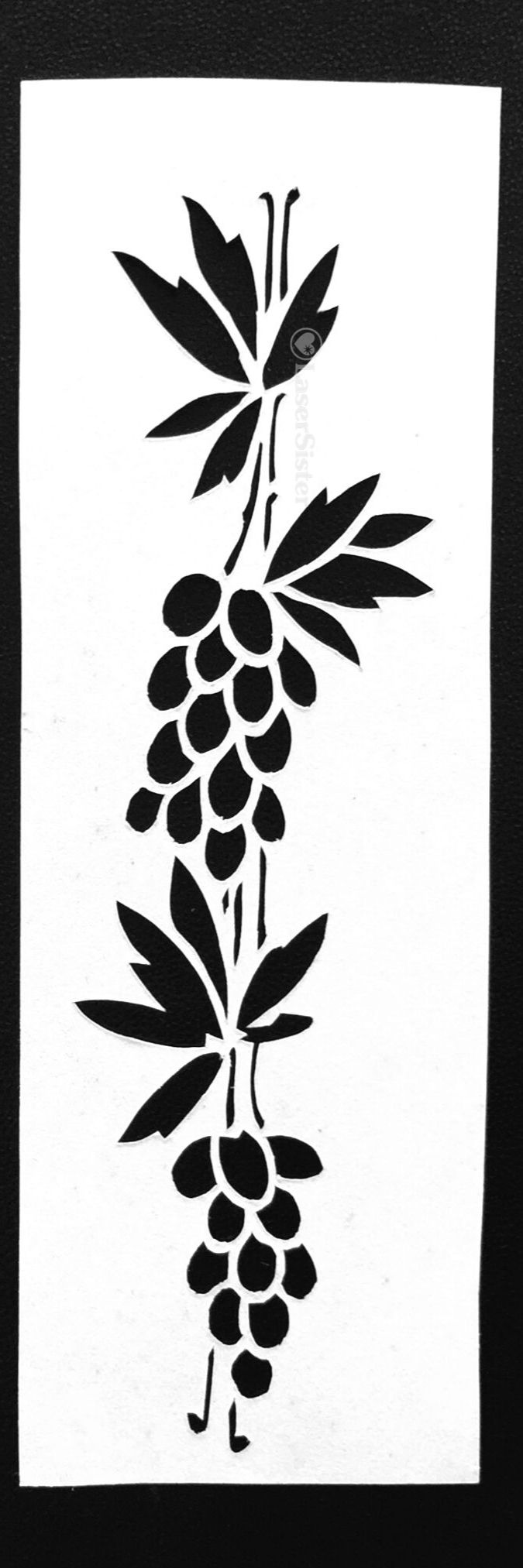
papercut k726 - grapes and vine closeup - LaserSister - Kay Vincent

(Continuing my papercutting project – trying to adapt and hand-cut projects based on all of the designs in “922 Decorative Vector Ornaments” by Dover Books.) None of the designs in the book have names, they just have numbers. So because this design looks like a couple of bunches of grapes and a dangly vine-y thing, I’ve naturally called it “Grapes and Vine”.

(Note: some of the links below are affiliate links. If you’d like to find out more then please check out my policies page.)

cover of decorative-vector-ornaments book

Grapes and Vine Papercutting K726

Design number 726 in the book was a challenge. (Sorry about the out-of-focus image, by the way. I’ll try to take a better version one day, but at least the closeup version is OK.) It’s got very very thin lines to cut for the vine-y bits, and then lots of very small, very curved sections (i.e. the grape-looking bits). I tackled these with a new scalpel blade, because by now I have got enough experience in papercutting to know that small round objects and thin lines should automatically make me reach for a fresh blade.

papercut k726 - grapes and vine with pen for scale - LaserSister - Kay Vincent

Closer up:

papercut k726 - grapes and vine closeup - LaserSister - Kay Vincent

Even Closer up

I did tidy the design up a bit after I’d cut it, and overall I’m quite pleased with it. However, when you look at it really close up, you can see the places on most of the grapes where I’ve changed position of the blade or paper mid-cut. (See below, circled in red…):

papercut k726 - grapes and vine with closeup of grapes - LaserSister - Kay Vincent

The perfectionist in me obviously doesn’t like this. And yet the positive, celebratory, skill-learning, “evolving” person in me is very pleased that there are a couple of grapes where this effect isn’t as noticeable. (Plus this is VERY close up, and probably not even noticeable in ‘real life’!)

But the skill-learning, “evolving” person in me is also wondering if it is possible to improve my technique even more. If I keep practising and learning about papercutting techniques, might I eventually get to a stage where I can cut pieces without these little blips showing?

I think it would feel very satisfying to know that I had the skills to cut a ‘perfect’ design.

On the other hand, a laser cutting machine can already cut everything perfectly – and also much more quickly – and so is there any point in me trying to be perfect? And what if it looked perfect this close up, but then at a further level of magnification there were still some flaws that showed up? Where should I draw the line?!

OK – I think I’ve come to a conclusion. I am going to aim for “excellent” rather than “perfect”. Because perfection, as I’ve just realised above, is impossible anyway. There will always be one further magnification that can show more errors.

Mind you, what does “excellent” mean? Oh dear. Here we go again…


Do you have any advice about improving my cutting (e.g. to avoid making those little marks when I change the position of the paper or the blade)? You can chip in via the comments page, or Facebook, Twitter, LinkedIn or Instagram.

Posted on Leave a comment

Papercutting Project (Continued): Art Nouveau Waterlily Flower K118

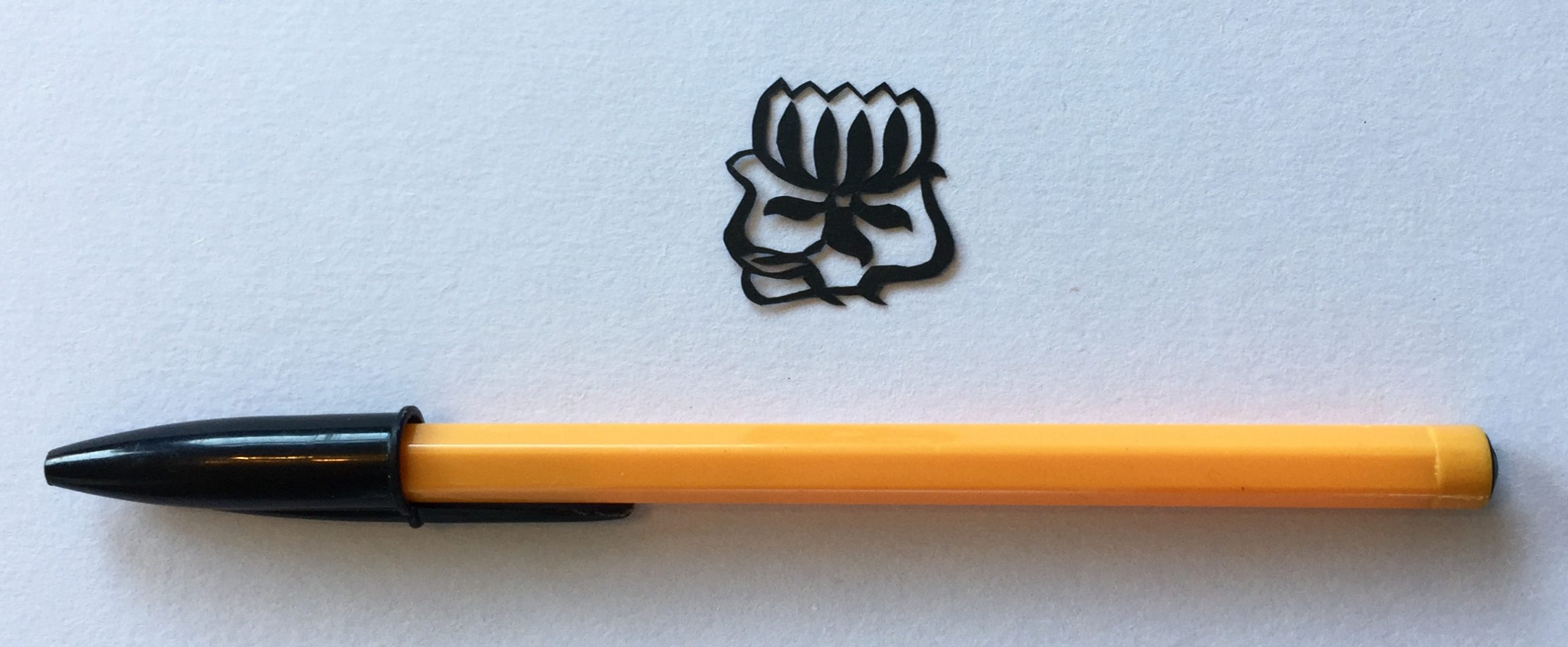
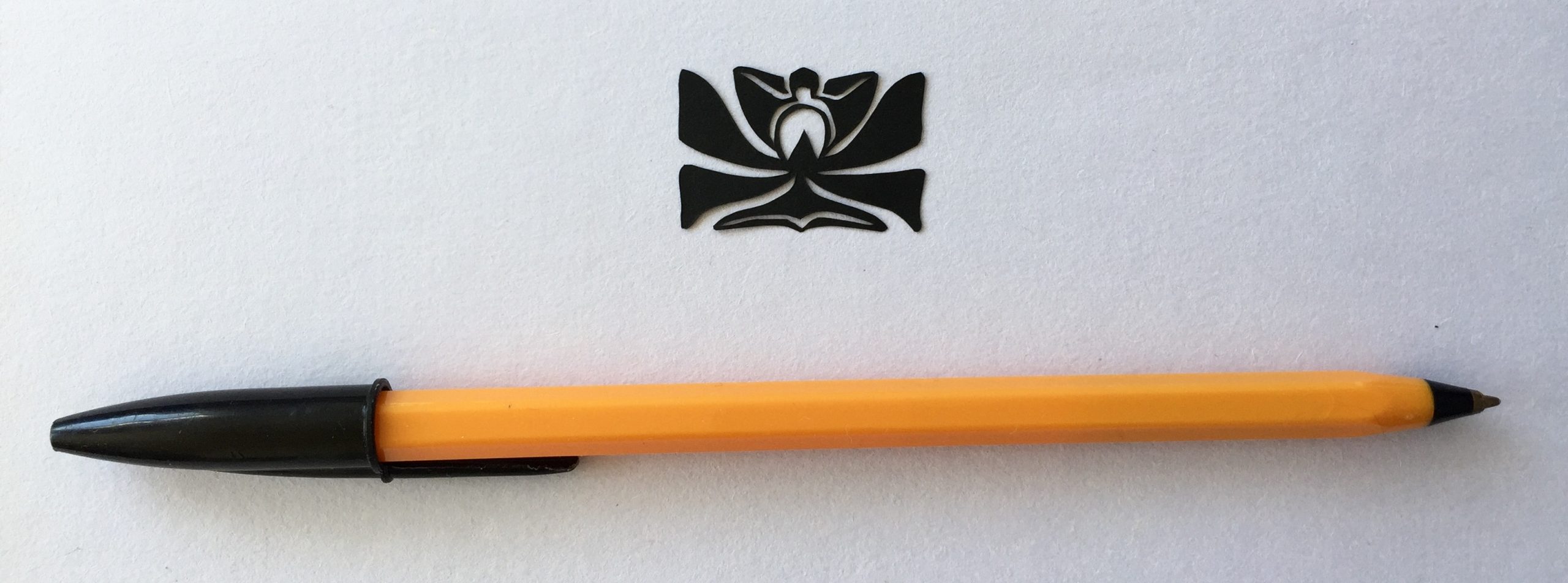
papercut 118 art nouveau flower - LaserSister

(Still working on the papercutting project where I’m adapting and hand-cutting my way through the designs in the “922 Decorative Vector Ornaments” book.) I’ve called this one “Art Nouveau Waterlily Flower” but as I explain below, I’m not 100% convinced that it actually is a waterlily…

(Note: some of the links below are affiliate links. If you’d like to find out more then please check out my policies page.)

cover of decorative-vector-ornaments book

Art Nouveau Waterlily Flower Papercutting K118

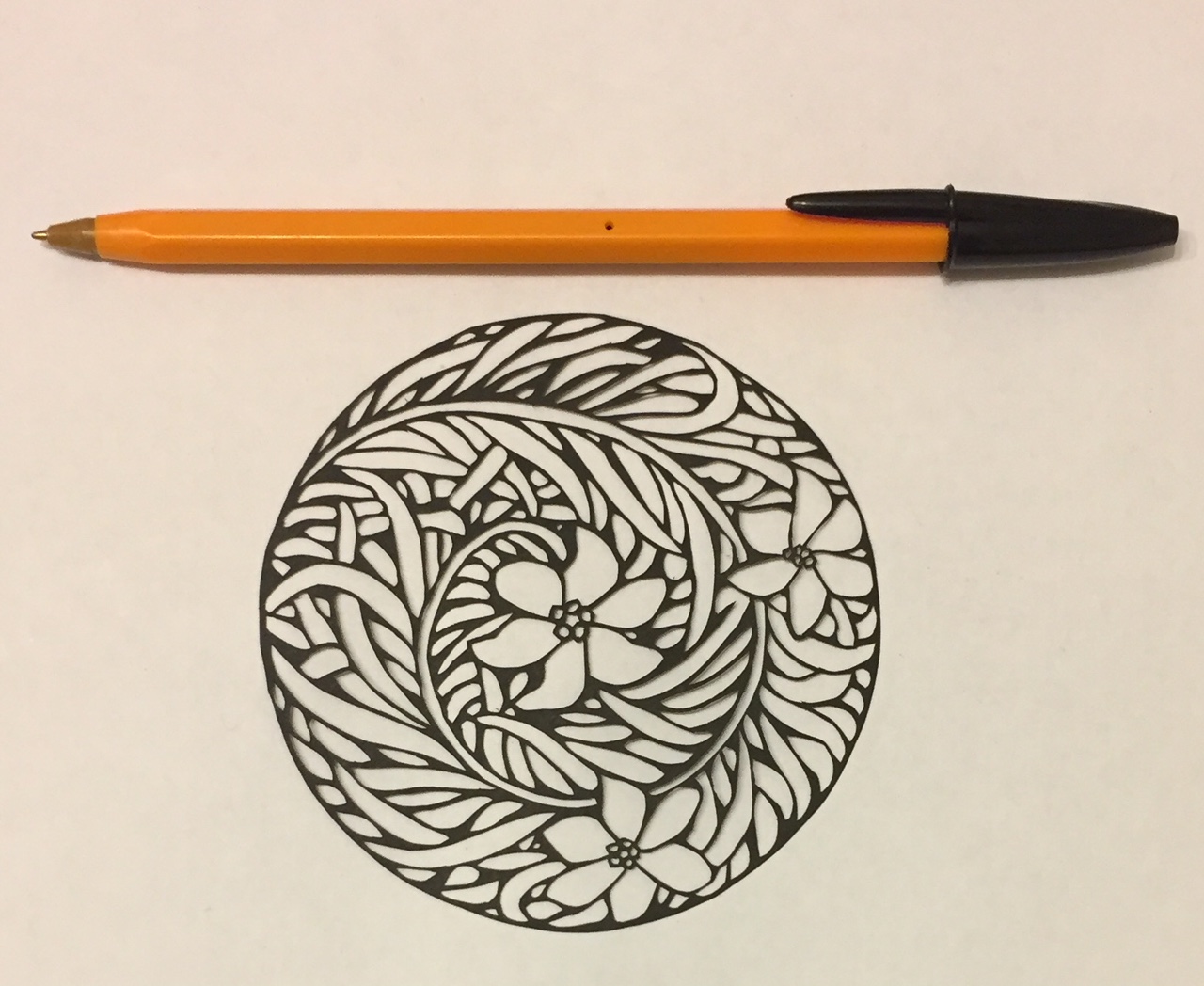
Design number 118 in the book is a nice little waterlily. Or maybe a lotus flower. Or some other flower. Now that I look at it again, I’m not convinced it’s a waterlily because waterlily leaves are the classic ‘lily pads’ that frogs sit on, aren’t they? Whereas these leaves are small and pointy (or long and sinuous). Oh well, maybe I could convince myself that it’s a waterlily if I think that the little pointy bits are its roots, and the long sinuous bits are representations of the water that the flower is sitting in.

papercut 118 art nouveau flower - LaserSister

I did tidy the design up a bit after I’d cut it, but it’s a bit ‘lumpy’ in places. Overall though, I really like this one. I can definitely see myself using it in a future project as part of a design.

Closer up:

papercut 118 art nouveau flower closeup

I cut this one while listening to Mark Dawson’s Self Publishing Show podcast (previously the Self Publishing Formula show). Very useful information!

Any comments about the design (like what the heck kind of flower it is), or advice about improving my cutting? You can chip in via the comments page, or Facebook, Twitter, LinkedIn or Instagram.

Posted on Leave a comment

Papercutting Project (Continued): Vine and Leaves K112

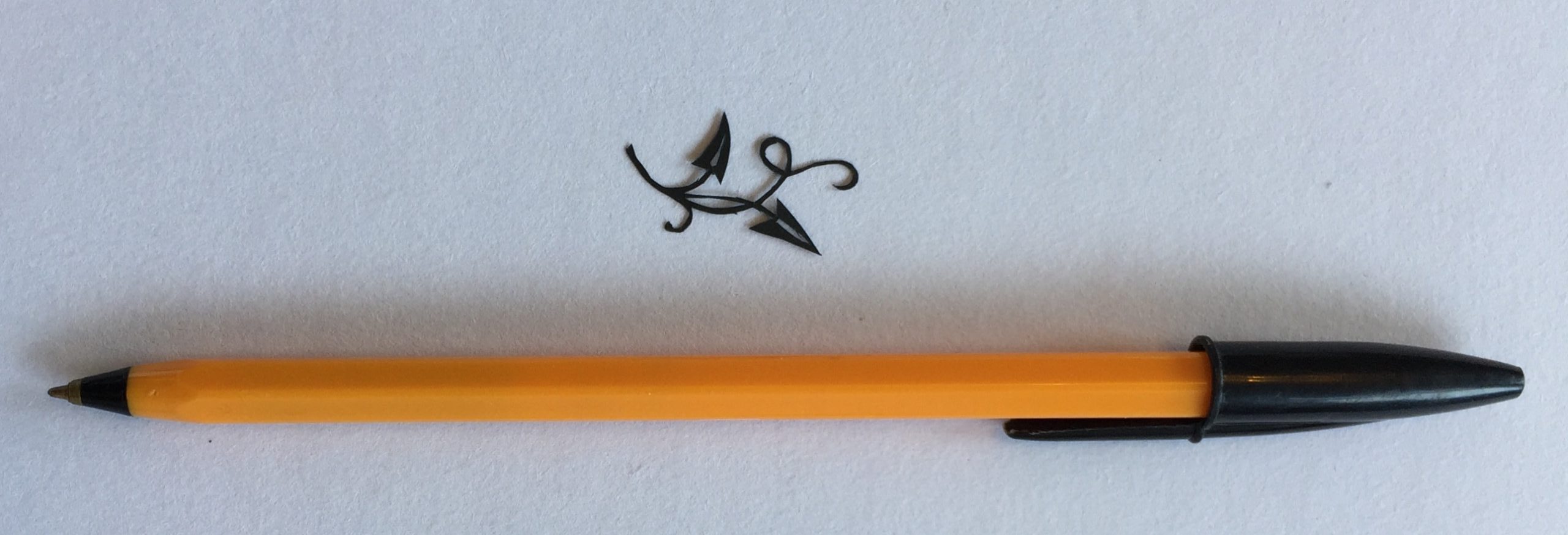
papercut 112 leaves and vine - LaserSister

(Still working on the papercutting project where I’m adapting and hand-cutting my way through the designs in the “922 Decorative Vector Ornaments” book.) This week is a really tiny and fiddly design, of a vine and leaves. 

(Note: some of the links below are affiliate links. If you’d like to find out more then please check out my policies page.)

papercut 112 leaves and vine - LaserSister

Leaves and Vine Papercutting K112

Design number 112 from the book is a simple-looking image, but because it’s so small it was really tricky to cut.

papercut 112 leaves and vine closeup- LaserSister

Unlike the previous (owl) design, I didn’t tidy up the piece after I’d cut it, and so it’s got loads of ‘threads’ hanging off it, and has gone a bit thin in one section of the vine. But that is only when you see the piece really close up. When I just look at it without any magnification, it seems fine.

Closer up:

papercut 112 leaves and vine closeup- LaserSister

So yeah – I could definitely tidy it up a lot more, but I think I’ll just leave it as it is for now, because I still like the design.

Any comments about the design, or advice about the cutting? You can chip in via the comments page, or Facebook, Twitter, LinkedIn or Instagram.

Posted on Leave a comment

Papercutting Project (Continued): Owl K107

papercut 107 owl - LaserSister

This cute little owl papercutting is part of my ongoing papercutting project that I started a couple of years ago. (Adapting and hand-cutting my way through the designs in “922 Decorative Vector Ornaments” by Dover Books.)

(Note: some of the links below are affiliate links. If you’d like to find out more then please check out my policies page.)

Owl Papercutting K107

Design number 107 in the book was easy to name, for once! It’s an owl. This one took quite a few tweaks to turn it into a papercutting, mainly because the central dots of its eyes were just ‘floating’ and not connected to any other parts of the design. I needed to extend the feathery outer bits of the eyes so that the pupils could ‘hang’ from them.

papercut 107 owl - LaserSister

This ended up as one of the neatest cuts I’ve made so far. In many of the previous cuts I’ve said “what a shame I didn’t tidy up the cut before I photographed it”…

… but I seem to have suddenly realised that there is nothing stopping me doing the tidying! So instead of leaving any ragged bits and bobs I snipped them off before I took the photo. Duh.

Closer up:

papercut 107 owl closeup - LaserSister

There were lots of little curved lines in this cut, but the scalpel did a pretty good job.

Even up close I like it.

While I was cutting it I was still listening to the audiobook version of Brandon Sanderson’s Elantris. I am coming round to the idea of audiobooks as a ‘productivity tool’. Sanderson’s books are normally huuuuuuge big chunky tomes, and take days to read. Being able to listen to a book while doing gardening and household chores has been a real bonus, this week.

Any comments about the design, or advice about the cutting? You can chip in via the comments page, or Facebook, Twitter, LinkedIn or Instagram.

Posted on Leave a comment

Papercutting Project (Continued): Sunrise Flower K106

papercut 106 design - LaserSister

I’m still working on the  papercutting project that I started a couple of years ago. (Trying to adapt and (hand-) cut my way through all designs in “922 Decorative Vector Ornaments” by Dover Books.) None of designs in the book have names – they just have numbers. I’ve called number 106 “Sunrise Flower” because it looks a tiny bit like a cross between a flower with leaves, and a sun with rays spreading out from it.

(Some of the links below are affiliate links to Amazon. If you’d like to find out what that means then please check out my policies page.)

Sunrise Flower Papercut K106

As mentioned above this week’s design is number 106 in the book (in case you want to hunt it down and cut it yourself).

It might not look like much, but it was very enjoyable to cut.

papercut 106 design - LaserSister

Closer up:

papercut 106 design closeup - LaserSister

I think I was using a fairly new blade, so it was very easy to cut the flowing curved lines. Even the tricky delicate bits cut from the central parts of the design felt fairly easy.

Yes, up close it’s a bit asymmetrical and that thin curved line of the ‘sun’ goes a bit too thin…but that’s the difference between hand-cutting and laser-cutting these designs. The hand-cut pieces aren’t meant to be perfect – that’s what gives them their individuality and charm 🙂

I’m still using the pack of 100 scalpel blades that I bought a couple of years ago, but at some point I’ll need to get some refills. Here is a link I found to some new ones:

While I was cutting it I was listening to an audiobook version of Brandon Sanderson’s Elantris. I’m still not sure what I think of audiobooks. I definitely prefer to read physical books (or even ebooks). Partly because I like so see how names are spelled, I guess. But if I’m using my hands for something else (like crafts or chores or driving) then I love listening to podcasts because I’m still learning new stuff all the time. So audiobooks are a bit of an experiment that I’m dabbling with at the moment, instead of podcasts.

Any comments about the design, or advice about the cutting? You can chip in via the comments page, or Facebook, Twitter, LinkedIn or Instagram.

Posted on Leave a comment

Fish Papercut K103

papercut 103 fish with pen for scale - LaserSister

This fish papercut is from the papercutting project that I’m doing. (Basically I’m trying to hand-cut my way through all of the designs in Dover Books’ “922 Decorative Vector Ornaments” book.)

(Some of the links below are affiliate links to Amazon. If you’d like to find out what that means then please check out my policies page.)

Fish Papercut K103

This week’s design is number 103 in the book.

This one was really tricky to cut. It’s got really thin lines and details. It looks like a cross between a fish and a plant, in some places. The fins and gills and tail look like leaves. The combination of flowing Art Nouveau-type lines and flexible fish forms is right up my street!

papercut 103 fish with pen for scale - LaserSister

Closer up:

papercut 103 fish closeup with LaserSister watermark

I was using a fairly blunt blade and felt like I was carving this piece rather than cutting it, but fortunately I didn’t accidentally cut through any of the lines.

Actually, I like this one so much that I might have to use it in a project.

Any comments about the design, or advice about the cutting? You can chip in via the comments page, or Facebook, Twitter, LinkedIn or Instagram.

Posted on Leave a comment

Bubble Design Papercut K128

papercut 128 design - LaserSister

I don’t really know how to describe the design that this papercut is based on, so I’ve just gone with “Bubble Design” because it sort of looks like bubbles at either side of the image.

It’s from the ongoing papercutting project that I’ve been doing, where I’m trying to hand-cut my way through all of the designs in the Dover Publications’ “922 Decorative Vector Ornaments” book.

(Some of the links below are affiliate links to Amazon. If you’d like to find out what that means then please check out my policies page.)

Bubble Design Papercut K128

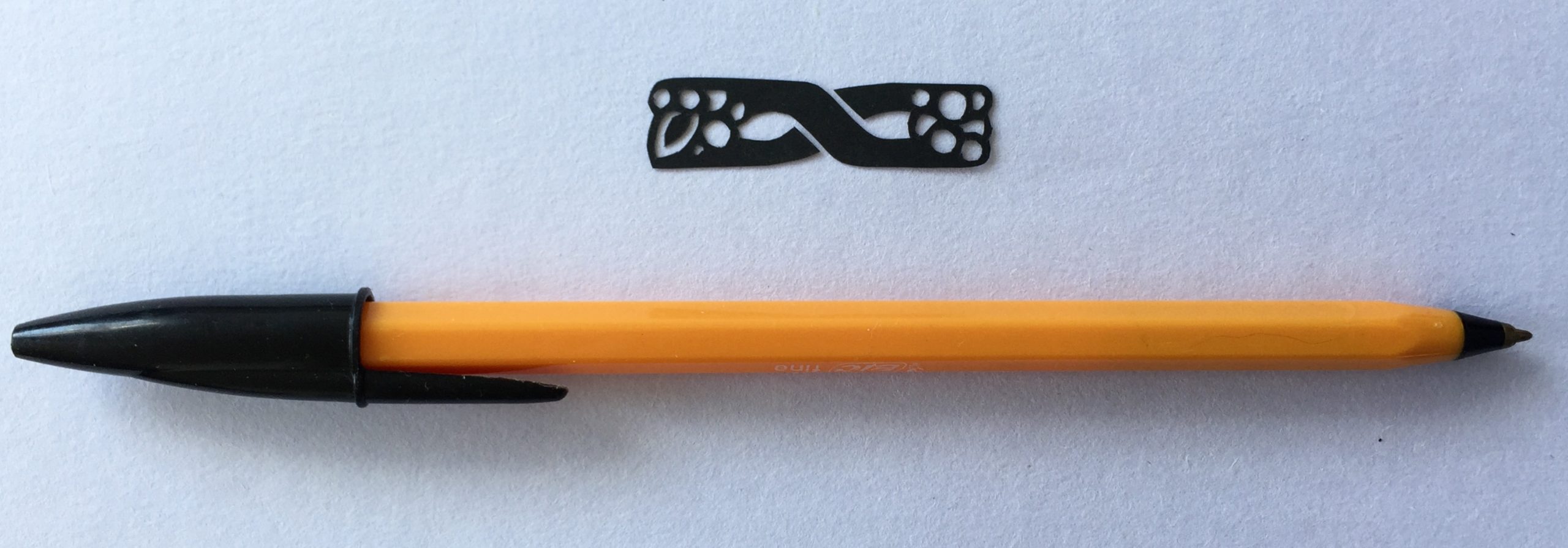
This week’s design is number 128 in the book. It looks a bit like bubbles (or maybe grapes and a leaf?), that for some reason are placed on a Mobius strip.

Without my reading glasses on I’m fairly happy with the way I cut it out…

papercut 128 design - LaserSister

Closer up:

…but when you get close up it does seem a bit lumpy in places. Still, I like the flowing lines in it overall, and the natural/’organic’ feel to it.

papercut 128 design closeup - LaserSister

As with many of these ‘decorative ornaments’, I’m not sure about when I might wish to use this particular design. But it was a nice quick cut to make, so was fun to knock another one off the list even if I don’t end up using it for anything in particular.

I cut this one while (half-)watching Stand up to Cancer: Sink or Swim on Channel 4. Wow. Part of me thinks, “What an amazing thing they’re doing! Trying to overcome their fears and self-imposed obstacles, and to go from being non-swimmers to swimming the English Channel.”

The other part of me thinks “I hope I don’t do what many of them seem to be doing; letting their subconscious fears convince their conscious minds that they physically can’t do something.” (Which is a nice way of saying, “What whiney little princesses! I’m surprised they’ve ever achieved anything at all.”) But then I realise that that’s a bit rich, coming from someone who spends a couple of hours a week practising cutting things out of paper instead of doing useful stuff…)

Anyhoo, I’m looking forward to the final episode next week, when we find out whether they managed to swim the channel. (My guess is yes. Otherwise there’s not much point to them showing it on the telly, is there?)

Going back to me wondering what the point is of continuing with this papercutting project, I think the answer is that it’s just really relaxing. Some people play computer games to relax, some people watch TV, some like to use adult colouring books. At least with my relaxing hobby I’m:

  • learning how to adapt all sorts of different designs so that they can be cut from paper.
  • looking at the designs and wondering if/how they can be incorporated into other projects and designs.
  • improving my papercutting skills, so that one day I’ll be able to make some lovely artworks of my own.
  • building up a sketchbook full of the papercuts, so I’ve got a record of what I’ve done.

Any comments about the design, or thoughts about whether it’s a complete wast of time or not? You can chip in via the comments page, or Facebook, Twitter, LinkedIn or Instagram.

Posted on Leave a comment

Japanese Bird Papercut K716

papercut 716 bird design closeup wm- LaserSister

This Japanese bird papercut is from an ongoing papercutting project that I’ve been doing. Basically I’m trying to hand-cut my way through all of the designs in Dover Books’ “922 Decorative Vector Ornaments” book. (The designs are all available as vector files, so I could theoretically just cut them all out with my laser cutter…but where is the challenge in that?)

(Some of the links below are affiliate links to Amazon. If you’d like to find out what that means then please check out my policies page.)

Japanese Bird Papercut K716

This week’s design is number 716 in the book.

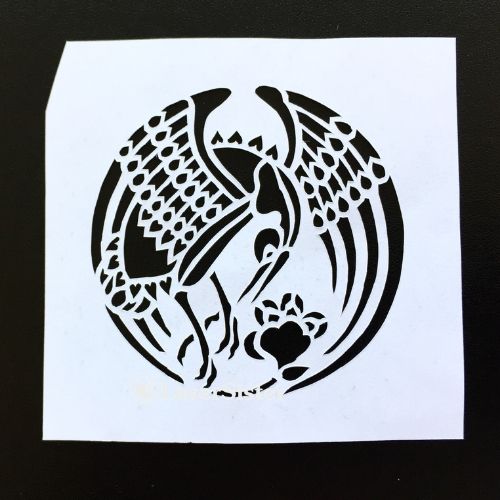
I really like this design, and for once I’m happy with the way I cut it, too. (Well, except for the fact that the edges of the white paper have been cut on a bit of a wonk, but I can fix that later.)

papercut 716 bird design - LaserSister

Closer up:

papercut 716 bird design closeup - LaserSister

Yep, even close up I’m happy with it! I was using a new blade and for some reason I was feeling particularly patient.

This design looks Japanese – is it a crane bird? I really like the little hearts and peacock-y teardrop shapes that form the feathers.

I’m not sure about the circumstances under which I might wish to use a crane bird design, but it was really satisfying to cut, even if I never incorporate this design into any other projects.

I cut it while (half-)watching Cake Walk on Amazon Prime. I do like cake shows but I haven’t made my mind up about this one, yet.

Here is another link to the book itself, just in case you wanted to buy it and do your own papercutting:

Any comments about the design, or advice about the cutting? You can chip in via the comments page, or Facebook, Twitter, LinkedIn or Instagram.

Posted on Leave a comment

Another Art Nouveau Style Papercut

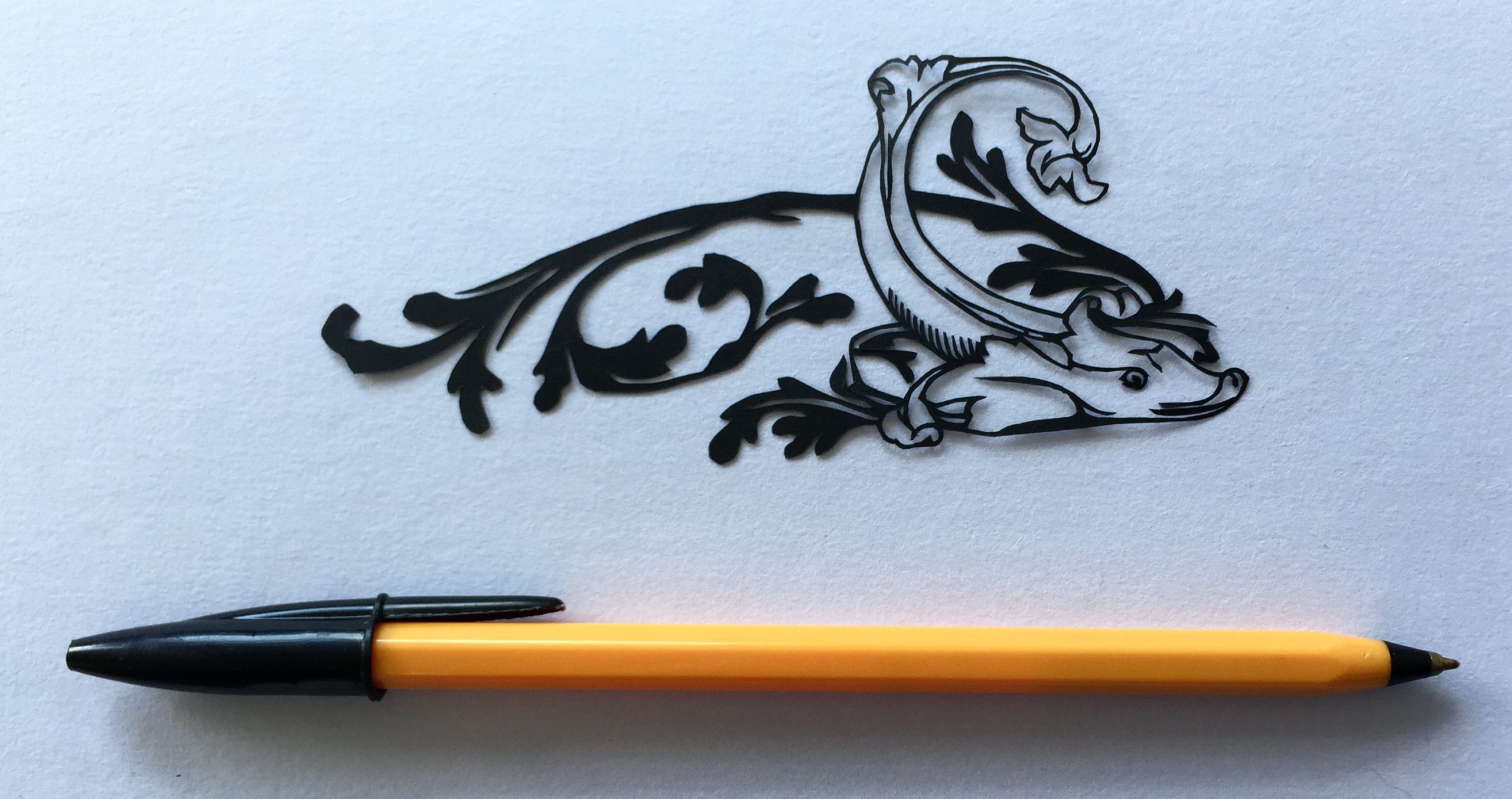
Another Art Nouveau Style Papercutting

Continuing my recent papercutting project, this is my latest hand-cut piece, based on one of the designs from the “922 Decorative Vector Ornaments” book.art nouveau style papercutting