Posted on Leave a comment

Papercutting Project (Continued): K116 – Compass Leaves Papercut

compass leaves papercut 116 - watermarked - LaserSister - KayVincent

Compass Leaves Papercut

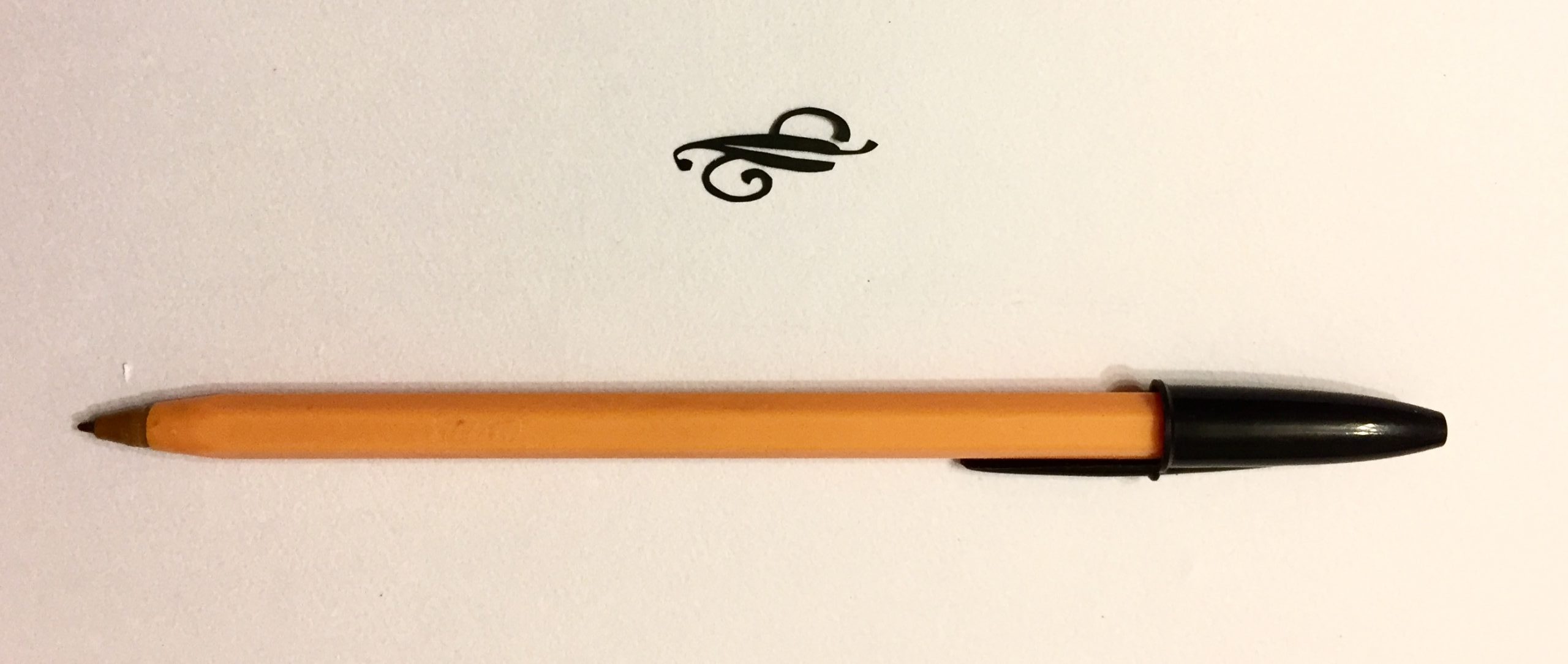
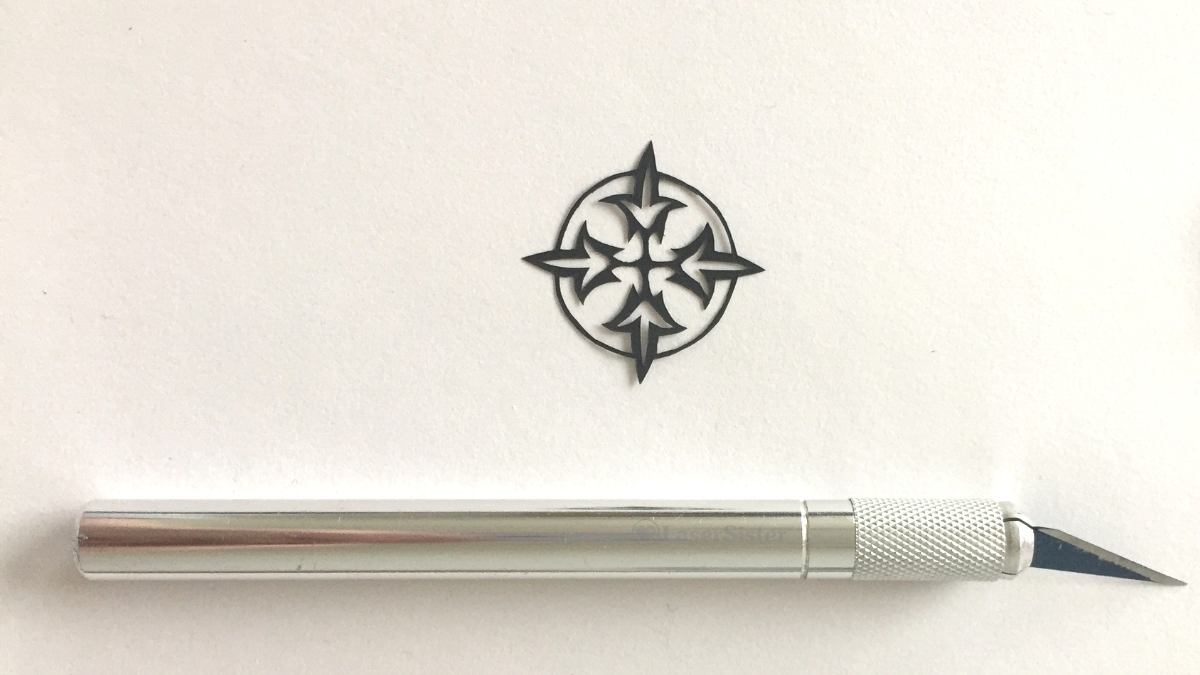
My ongoing papercutting project continues. This design looks a bit like a compass, but with leaves instead of compass points. So I’ve called it “Compass Leaves” papercut. (It is design #116 in the book “922 Decorative Vector Ornaments“.)

(Some of the links in this article might be ‘affiliate links’. If you’d like to know more, please check out the small print page…)

Compass Leaves design – with scalpel for scale

compass leaves papercut 116 - watermarked - LaserSister - KayVincent

Closer up:

Here it is much closer up:

papercut 116 closeup watermarked - LaserSister - KayVincent

Although the outer circle might look a bit lumpy up close, I’m still quite please with it because that line is actually less than a millimetre wide.

While I was cutting it I was listening to the audiobook of Arthur C. Clarke’s A Fall of Moondust. It goes a bit like this:

“Oh no! We’re trapped in a tourist bus on the moon, under metres of moondust. Hey, all you lady passengers – go and help the stewardess to hand out food and drinks. That will stop you from getting hysterical while we intelligent men help the captain figure out what to do.”

Any comments about the design or the cutting? You can chip in via the comments page, or Facebook, Twitter, LinkedIn or Instagram.
Posted on Leave a comment

Papercutting Project (Continued): K695 – New Leaf Papercut

new leaf K695 with pen for scale

New Leaf! Papercut (Design 695)

Happy New Year! My ongoing papercutting project is now stretching into another year. And because the new year is often associated with ‘turning over a new leaf’ (in other words, starting again), I chose a leaf design for today’s papercutting theme, and called it “New Leaf” papercut. (It is design #695 in the book “922 Decorative Vector Ornaments“.)

(Some of the links in this article might be ‘affiliate links’. If you’d like to know more, please check out the small print page…)

Leaf – with pen for scale

new leaf K695 with pen for scale

Closer up:

Here it is much closer up:

new leaf K695

I really like this ‘new leaf’ papercut design because it’s Art Nouveau-style, so it’s right up my street. And I managed to cut all of those teeny weeny curly lines without accidentally breaking any of them.

While I was cutting it I was listening to an audiobook. This time it was Victor Hugo’s The Hunchback of Notre Dame. I must admit that the book has a very slow start, as far as I’m concerned. There doesn’t seem to be any clue about who the main character will be, yet, let alone an “inciting incident”. I’m guessing that at some point a man called Quasimodo might appear, but so far the story seems to be about a crowd of people waiting for a play to start.

Any comments about the design or the cutting? You can chip in via the comments page, or Facebook, Twitter, LinkedIn or Instagram.

Posted on Leave a comment

Papercutting Project (Continued): Pomegranate and Leaves Papercut K708

papercut k708 - pomegranates and leaves with pen for scale - LaserSister - KayVincent wm

Pomegranate and Leaves Papercut – From Decorative Vector Ornaments Book

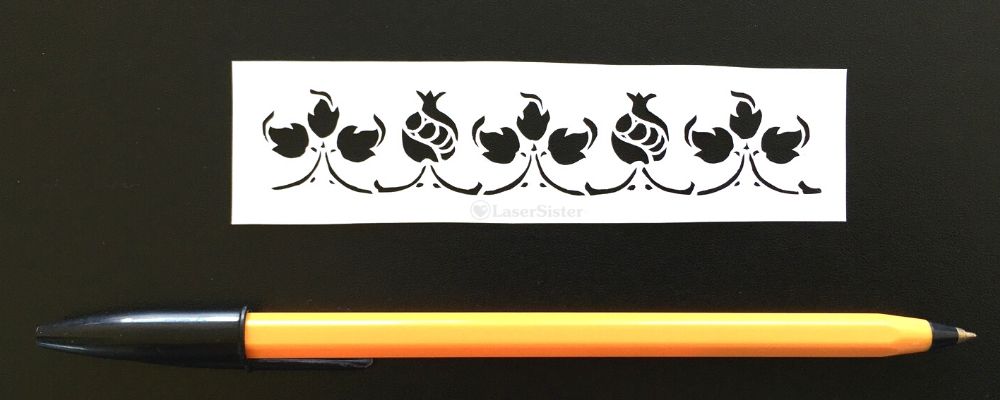
The ‘Pomegranate and Leaves’ papercut design is from an ongoing papercutting project that I’ve been doing, for the last couple of years(!) I’m trying to adapt and cut all of the designs in the book “922 Decorative Vector Ornaments“. I’ve forgotten why I even wanted to do it, now, but I’ve got so far into it that I might as well continue 🙂

(Some of the links in this article are affiliate links. If you’d like to know more, please check out the small print page…)

The book doesn’t have titles for any of the designs, so I’ve called no# 708 “Pomegranate and Leaves”.

papercut k708 - pomegranates and leaves with pen for scale - LaserSister - KayVincent wm

Closer up:

This design has got some extremely tiny shapes to cut out, and they were a real challenge. Some are only a little bit bigger than a pinprick:

papercut k708 - pomegranates and leaves closeup - LaserSister - KayVincent wm

I really do need to count up how many of these designs I’ve cut now, but I think it’s close to 400. And with each one I feel like I’m getting just a bit more confident and competent at cutting. I’m also getting better at adapting images so that I can make papercuttings from them.

I particularly enjoyed adapting and cutting this piece, because it’s got the traditional floral shapes of an Art Nouveau design. The curves of the leaves appeal to me, as well as the stylised pomegranates (at least, I think that’s what they are!) I can definitely see myself using some of the elements of this design in a future project.

While I was cutting it I was (half-)watching Cake Walk on Amazon Prime (Amazon Prime might still have a free 30-day trial if you haven’t tried it already).

Cake Walk really is a guilty pleasure for me – the finished cake designs don’t always look 100% professional, but I just enjoy watching the processes that the contestants go through. And I suppose I feel a bit of camaraderie with them as well, because when the Zombie Apocalypse inevitably comes, then it will turn out that cake designing and papercutting will both be among the least useful hobbies that people could have spent their time on…

Any comments about the design or the cutting (or my taste in TV shows)? You can chip in via the comments page, or Facebook, Twitter, LinkedIn or Instagram.

Posted on Leave a comment

Papercutting Project (Continued): Standard Rosebush Papercut K122

papercut k122 standard rosebush with pen for scale - LaserSister - KayVincent wm

Standard Rosebush Papercut from Decorative Vector Ornaments Book

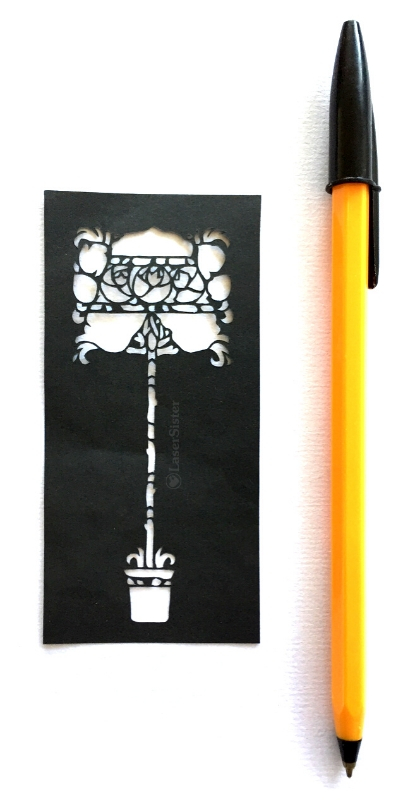
This ‘standard rosebush’ papercut design is from an ongoing papercutting project that I’ve been doing. (I’m trying to cut my way through all of the designs in the “922 Decorative Vector Ornaments” book.)

(Some of the links in this article are ‘affiliate links’. If you’d like to know more, please check out the small print page…)

The design is number 122 in the book. (Because the designs don’t have names, I’ve come up with my own title of ‘standard rosebush’. (‘Standard’ = ‘tree-shaped rosebush on a long stem’ as opposed to ‘common/boring rosebush’).

I really like this design:

papercut k122 standard rosebush with pen for scale - LaserSister - KayVincent wm

Closer up:

For once I don’t think I’ve got any really obvious ‘snags’ in it, that draw my eye away towards errors rather than towards the overall design. Instead I just enjoy looking at the shapes of the flowers and stem, and marvelling at how the heck I’d managed to cut such thin lines:

papercut k122 standard rosebush - LaserSister - KayVincent wm

Closest up:

papercut k122 standard rosebush closeup - LaserSister - KayVincent

Even though I really like this design, I’m not sure I can think of an occasion when I might use it in future. However, I’m glad that this series of papercutting projects has caused me to cut it.

It took over two hours to cut, and I was listening to the audiobook version of Lucy Hounsom’s Starborn book at the time.

I’ve no idea how many of the designs I’ve managed to cut from the ‘922 Vector Ornaments’ book, yet. I’ll have to do a count-up soon, because I think I might be close to halfway…

papercut k122 standard rosebush with pen for scale - LaserSister - KayVincent wm

Any comments? You can chip in via the comments page, or Facebook, Twitter, LinkedIn or Instagram.

Posted on Leave a comment

Nantwich Fridge Magnets

Nantwich fridge magnet 20190825

As mentioned in a previous post, when we visited the lovely English town of Nantwich, we couldn’t find any fridge magnets there. And as I also said last week, I think fridge magnets are a superior form of souvenir. (They take up less space than commemorative mugs, for a start). So I had a look back through the photos from our visit, and invented…a Nantwich fridge magnet design:

Nantwich fridge magnet with pen for scale - LaserSister Kay Vincent

Below is one of my photos from our visit. Nantwich has such picturesque houses that I hardly needed to make any changes to the image. For the magnet’s design I added a heart for extra cuteness, but that was more or less it!

nantwich house

I was so pleased with the end result that I tried the design as a souvenir keyring as well…

Nantwich laser etched wooden keyring

So if you’re visiting Nantwich and also happen to be a fridge magnet fan (and depending on whether they still have any in stock), you should hopefully now be able to find one at Nantwich Museum. In fact I like the design so much I’m going to put one on my own fridge 🙂

The museum itself had some really unusual local history features – e.g. how Cheshire cheese was (and is) made. Plus, of course, the story behind those iconic black-and-white buildings around the town.

Nantwich fridge magnets
Posted on Leave a comment

Papercutting Project (Continued): Fleurs de Lys Border Papercut K126

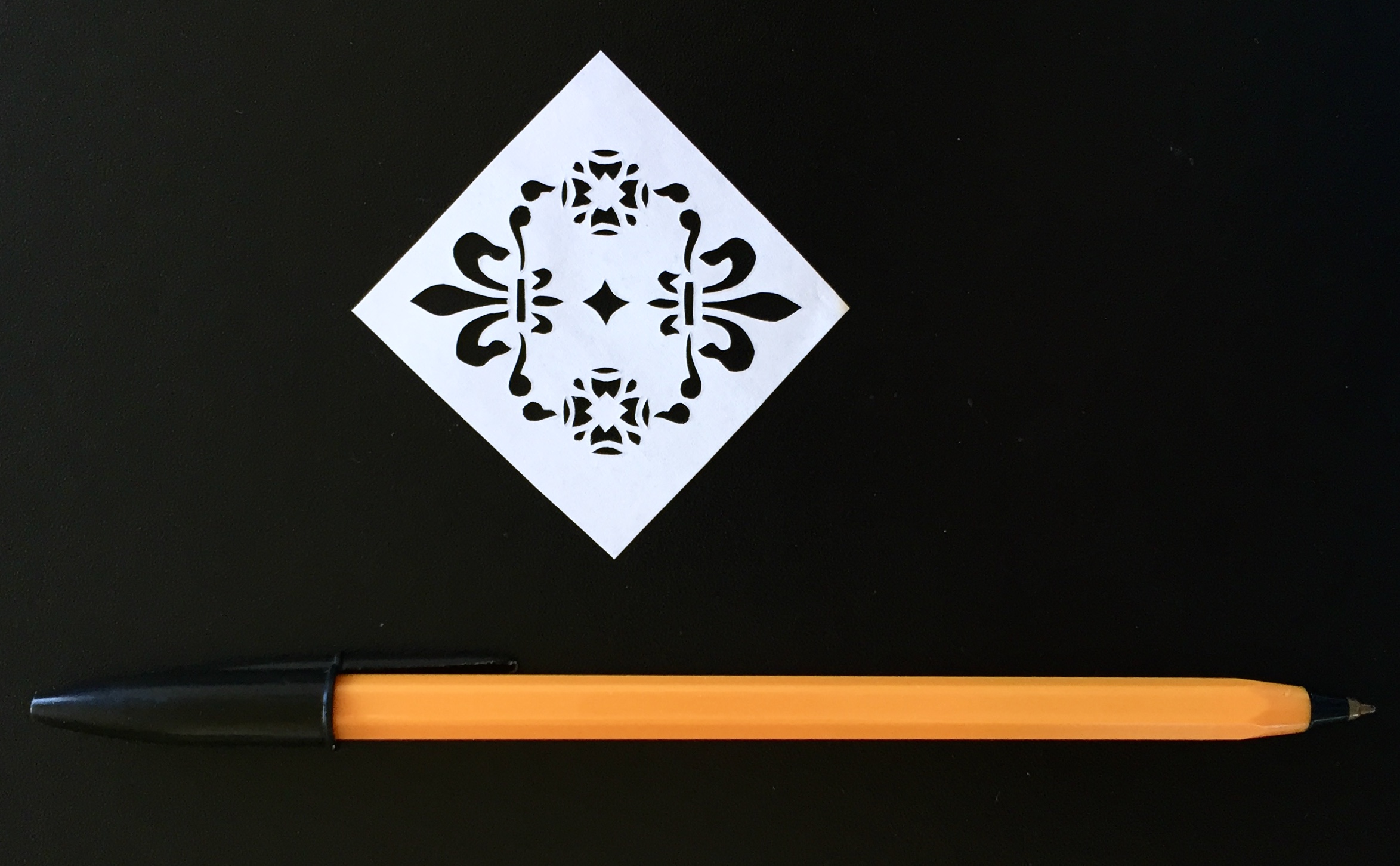
papercut k126 - fleurs de lys with pen for scale - LaserSister - Kay Vincent wm

Fleurs de Lys Border Papercut

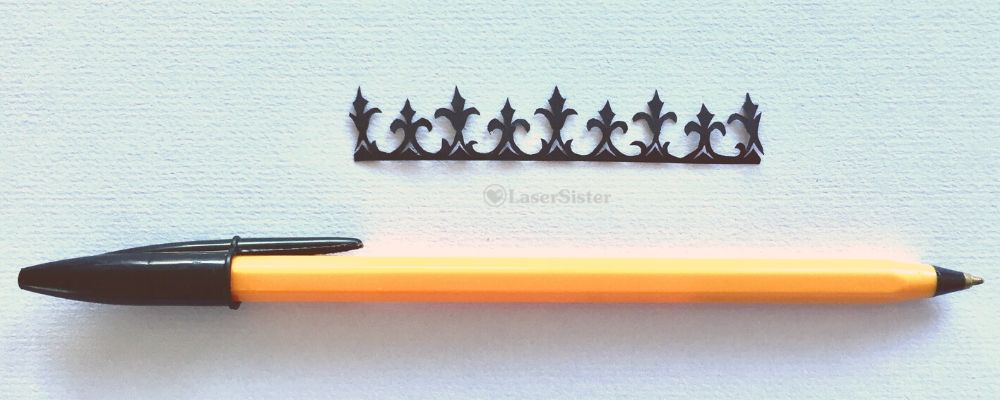
This ‘Fleurs de Lys Border’ papercut is from the continuing papercutting project that I’ve been doing. (I’m trying to adapt and cut my way through all of the designs in the “922 Decorative Vector Ornaments” book by Dover Books, and so have got 922 little papercutting projects to work on.)

(Some of the links in this article are ‘affiliate links’. If you’d like to know more, please check out the small print page…)

The design is number 126 in the book.

papercut k126 - fleurs de lys with pen for scale - LaserSister - Kay Vincent wm

It was relatively straightforward to cut, and would make a nice border for a project, or even a suitable crown for a king in a fantasy image.

Closer up:

papercut k126 - fleurs de lys border closeup - LaserSister - KayVincent

Close up it’s a bit more obvious that the little shapes aren’t symmetrical, but as I go along with these projects they really are teaching me things. (Like how not to hate that I’ve cut imperfect shapes and then let other people see them.) Instead I’m getting much more relaxed about enjoying them for the cutting process in itself, and then the very fact that they are slightly wonky.

What I especially like about this design is that I could cut the pointy tops of the fleur-de-lys shapes in just a single snip, thanks to my fantastic accidentally-damaged scissors.

A few years ago I bought a pair of scissors, with the intention of using them especially for papercutting. I got them from Ernest Wright & Son Ltd, because I wanted really good quality, and the city of Sheffield has been associated with producing cutlery and scissors for centuries. The scissors came with a protective case and a little certificate:

LaserSister papercutting scissors by Ernest Wright & Sons

They were brilliant. So sharp, so precise, so capable of cutting tiny detailed shapes.

…and then in the first week of owning them, I managed to drop them. Onto a concrete floor. Point-downward.

I said a very rude swearword.

My poor, expensive scissors (if that’s not an oxymoron) were irretrievably bent:

LasersSister bent papercutting scissors
LaserSister bent papercutting scissors closeup

But then I tried to use them. And discovered that I had invented The Best Pair of Papercutting Scissors Ever. They cut tiny little curved shapes!

I have now had them for several years and they’re still really sharp. But I’ve got no idea if I’ll ever be able to get them sharpened. I might ask the makers, actually, to see if they’re up for a challenge. In the meantime, I can cut the little curved tops of the fleur de lys shapes above in just one snip.

Have you had any serendipitous disasters-that-turned-out-to-be-triumphs? You can chip in via the comments page, or Facebook, Twitter, LinkedIn or Instagram.
Posted on Leave a comment

Laser-Cut Porto Fridge Magnet

laser cut porto fridge magnet

Even on holiday I always have my eye out for laser-y items. And better still if they happen to come in the form of my favourite souvenir…which is a fridge magnet. I like laser-cut fridge magnets so much that I’ve created a special category for them here. So last week when we were on holiday in Porto I was very happy to find a laser-cut fridge magnet.

laser cut porto fridge magnet
Laser-cut ‘Porto’ fridge magnet

I think this one shows the river and the Dom Luís I Bridge and the city very well. The typical rabelo boat (carrying its barrels down the Douro river) sort of gets lost in the background – but then compensates by physically standing out from the flat surface. (I’m not sure how the boat could be made to stand out better – maybe cut it from darker wood?) I couldn’t see any details of the artist or manufacturer, but if you know who it is, please let me know and I’ll credit them here.

Closer up:

Here’s the fridge magnet from a different angle – looking straight down at it:

laser cut porto fridge magnet - different angle

The boat shows up a bit better in this one, but the Dom Luís I Bridge still looks like the star of the show. Mind you, it is a very impressive bridge! And it definitely does stand out in real life. Apparently it was designed by a student of Gustave Eiffel (as in the Eiffel Tower).

The picture is missing one of the key features of the bridge, though, because in real life it’s got two different levels for the different modes of transport across it. Top level: get a Metro tram-thing across the top of the bridge (or walk across as a pedestrian). Lower level: use the road for a car or bike (or walk across that one, as well).

Anyhoo – I like my new fridge magnet, even if it uses quite a bit of ‘artistic licence’. I like the way that they’ve made it into a serrated stamp-shape as well. It just screamed ‘souvenir!’ at me, so that’s another reason I chose it. And now I’ve got another laser-cut piece of artwork on my fridge door, plus some lovely memories of our holiday in Porto/Oporto.

In the meantime I’ve been having laser-cut-fridge-magnet adventures of my own, but more about that later…

Posted on Leave a comment

Papercutting Project (Continued) Flower and Fleur de Lys Papercut K703

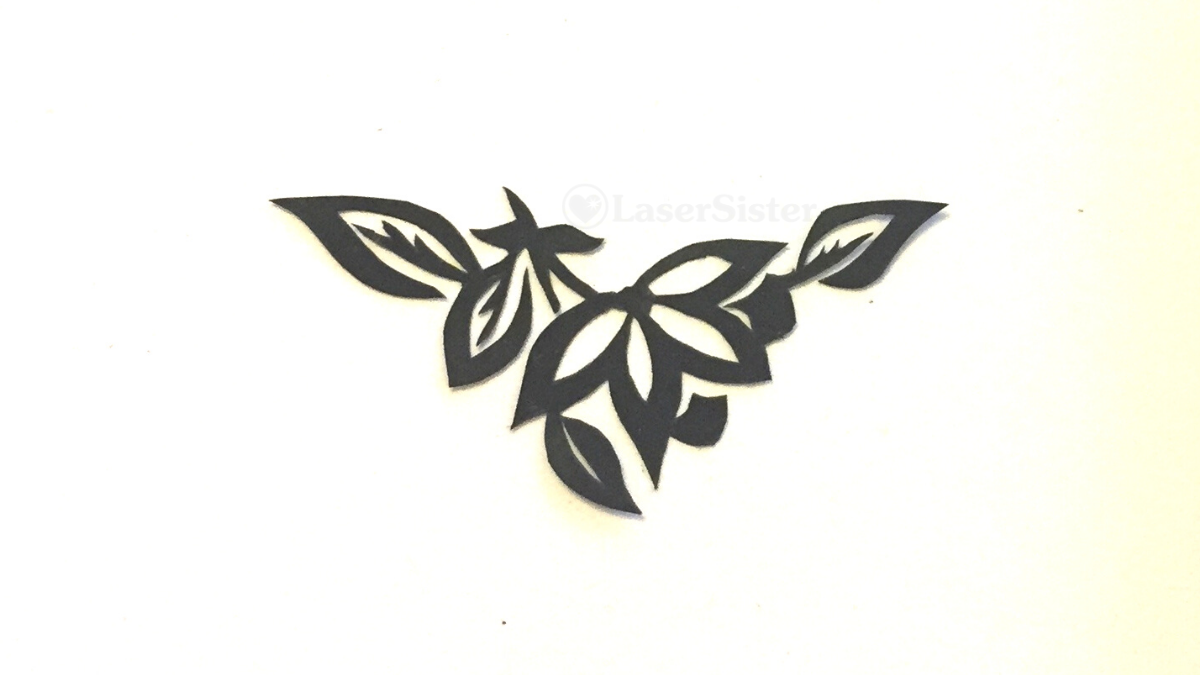
papercut k703 - flower and fleur de lys with pen for scale - LaserSister - Kay Vincent

Flower and Fleur de Lys Papercut Design

This design is from my ongoing papercutting project (where I’m trying to work my way through all of the designs in the “922 Decorative Vector Ornaments” book.) It’s a fairly simple flower-and-fleur-de-lys papercut design, and this one is number 703 in the book.

(Some of the links in this article are affiliate links. If you’d like to know more, please check out the small print page…)

I still need to cut the square edges more so it’s symmetrical, but on the whole I think I did an OK job:

papercut k703 - flower and fleur de lys with pen for scale - LaserSister - Kay Vincent

Closer up:

papercut k703 - flower and fleur de lys - LaserSister - Kay Vincent

Even close up I’m quite satisfied with the cutting of this one, for a change. The lines aren’t too jagged, the straight bits are straight, and the curved sections are curved.

It’s a nice simple design, and I like the heraldic-looking elements. I can see myself using parts of this design in future projects.

While I did the cutting I was listening to Sarah Pascoe’s Sex, Power, Money (as an audiobook). Very interesting book. It’s not actually the sort of book I would usually read or listen to, but I’ve been binge-listening to so many audiobooks recently that I’ve run out of my normal reading matter. It’s definitely opened my eyes (or ears, I suppose!) to a lot of issues…

So what started out as a therapeutic papercutting project, ended up including some interesting lessons in human nature as well.

Posted on Leave a comment

Halloween! Lasercut Sugar Skull Pendant

halloween sugar skull necklace - lasersister - Kay Vincent

Here is a lasercut sugar skull pendant – Happy Halloween!

halloween sugar skull pendant - lasersister

OK, sugar skulls are traditionally more of a ‘Day of the Dead‘ thing than Halloween, but what the heck 🙂


Lasercutters: Can’t be bothered to design your own sugar skull? Why not buy a licence to use someone else’s design? (That link above is to a post I wrote a while ago, about why and how you can fast-forward your lasercutting business by using stock images and designs.)

That’s actually what I did in this case. The design is brilliant and so detailed, and etches really well – so why re-invent the wheel? I bought the extended licence and now I am able to cut and sell this design in my own business. As well as Halloween lasercut sugar skull pendants and earrings, I’m also hoping to adapt it into a papercut version. That might take a while though. Maybe by next Halloween…

I got this particular sugar skull design from Vectorstock (that’s an affiliate link, by the way. Not that I’ve yet made any money from any of my affiliate links, but they are only a minor part of this blog – I just enjoy sharing (and discovering) lasercutting skills and news!)

The best thing about clear acrylic jewellery is that it goes with anything! It’s like wearing a chameleon. Hmm. I might make one of those, one day…

Posted on Leave a comment

Papercutting Project (Continued): Grapes and Vine K726

papercut k726 - grapes and vine closeup - LaserSister - Kay Vincent

(Continuing my papercutting project – trying to adapt and hand-cut projects based on all of the designs in “922 Decorative Vector Ornaments” by Dover Books.) None of the designs in the book have names, they just have numbers. So because this design looks like a couple of bunches of grapes and a dangly vine-y thing, I’ve naturally called it “Grapes and Vine”.

(Note: some of the links below are affiliate links. If you’d like to find out more then please check out my policies page.)

cover of decorative-vector-ornaments book

Grapes and Vine Papercutting K726

Design number 726 in the book was a challenge. (Sorry about the out-of-focus image, by the way. I’ll try to take a better version one day, but at least the closeup version is OK.) It’s got very very thin lines to cut for the vine-y bits, and then lots of very small, very curved sections (i.e. the grape-looking bits). I tackled these with a new scalpel blade, because by now I have got enough experience in papercutting to know that small round objects and thin lines should automatically make me reach for a fresh blade.

papercut k726 - grapes and vine with pen for scale - LaserSister - Kay Vincent

Closer up:

papercut k726 - grapes and vine closeup - LaserSister - Kay Vincent

Even Closer up

I did tidy the design up a bit after I’d cut it, and overall I’m quite pleased with it. However, when you look at it really close up, you can see the places on most of the grapes where I’ve changed position of the blade or paper mid-cut. (See below, circled in red…):

papercut k726 - grapes and vine with closeup of grapes - LaserSister - Kay Vincent

The perfectionist in me obviously doesn’t like this. And yet the positive, celebratory, skill-learning, “evolving” person in me is very pleased that there are a couple of grapes where this effect isn’t as noticeable. (Plus this is VERY close up, and probably not even noticeable in ‘real life’!)

But the skill-learning, “evolving” person in me is also wondering if it is possible to improve my technique even more. If I keep practising and learning about papercutting techniques, might I eventually get to a stage where I can cut pieces without these little blips showing?

I think it would feel very satisfying to know that I had the skills to cut a ‘perfect’ design.

On the other hand, a laser cutting machine can already cut everything perfectly – and also much more quickly – and so is there any point in me trying to be perfect? And what if it looked perfect this close up, but then at a further level of magnification there were still some flaws that showed up? Where should I draw the line?!

OK – I think I’ve come to a conclusion. I am going to aim for “excellent” rather than “perfect”. Because perfection, as I’ve just realised above, is impossible anyway. There will always be one further magnification that can show more errors.

Mind you, what does “excellent” mean? Oh dear. Here we go again…


Do you have any advice about improving my cutting (e.g. to avoid making those little marks when I change the position of the paper or the blade)? You can chip in via the comments page, or Facebook, Twitter, LinkedIn or Instagram.