Posted on Leave a comment

William Morris Style Laser Cut Birthday Card Designs

william morris style K card topper - KayVincent - LaserSister

William Morris Style Laser Cut Birthday Cards

This week I’ve been developing William Morris-style laser cut birthday cards.

After a couple of days’ tinkering, I ended up with some really nice filigree designs of card toppers:

William Morris style laser cut birthday card: E
Birthday card design: E
william morris style laser cut birthday card F
Testing a gold “F” design

Where to find images and inspiration for your laser cutter

For the letters shown above, I bought the extended licence from Dreamstime, which is a website where you can buy royalty-free photos and vector-based illustrations.

Here are the art nouveau alphabet images that I used. Alternatively, you can enter your own search terms in the box below, to look for specific resources. For example, type “Art nouveau”, or “William Morris alphabet” in the box, and then click the ‘search’ button.

Stock Images

Another great resource that I’ve found for royalty-free designs is Vectorstock.com. They seem to have forgotten to use an apostrophe in the link/banner below, but they still do a brilliant range of illustrations. And because their files are all vector-based graphics, that means that they are usually very straightforward to cut with a laser cutter:

And at the moment (April 2018) both sites are even more useful if you have your own laser cutting business, because they can provide a little bit of extra income on top of your actual laser-cut products. You can either upload some of your own original designs and allow people to buy licences to use them, or can sign up as an ‘affiliate’.

For example, with Vectorstock I uploaded my elephant design so that other people with laser cutters can use it in their own designs. Then every time someone purchases a licence for the elephant, I receive a few cents, but there is no extra cost to the purchaser. Win/win!

Similarly, with affiliate links and referral schemes, you can also receive small payments just for pointing people towards something that they are already interested in. As another example, if you include the banners/ads for these services (like the ones shown above) you could receive a small payment each time someone signs up and/or purchases a licence.

Hope you enjoyed this post. Don’t forget to say ‘hi’ via the contact us page, or to tweet me @LaserSister if you’ve tried any of the above ideas or if you’ve got comments or questions.
Posted on Leave a comment

Pinspiration: November 2017

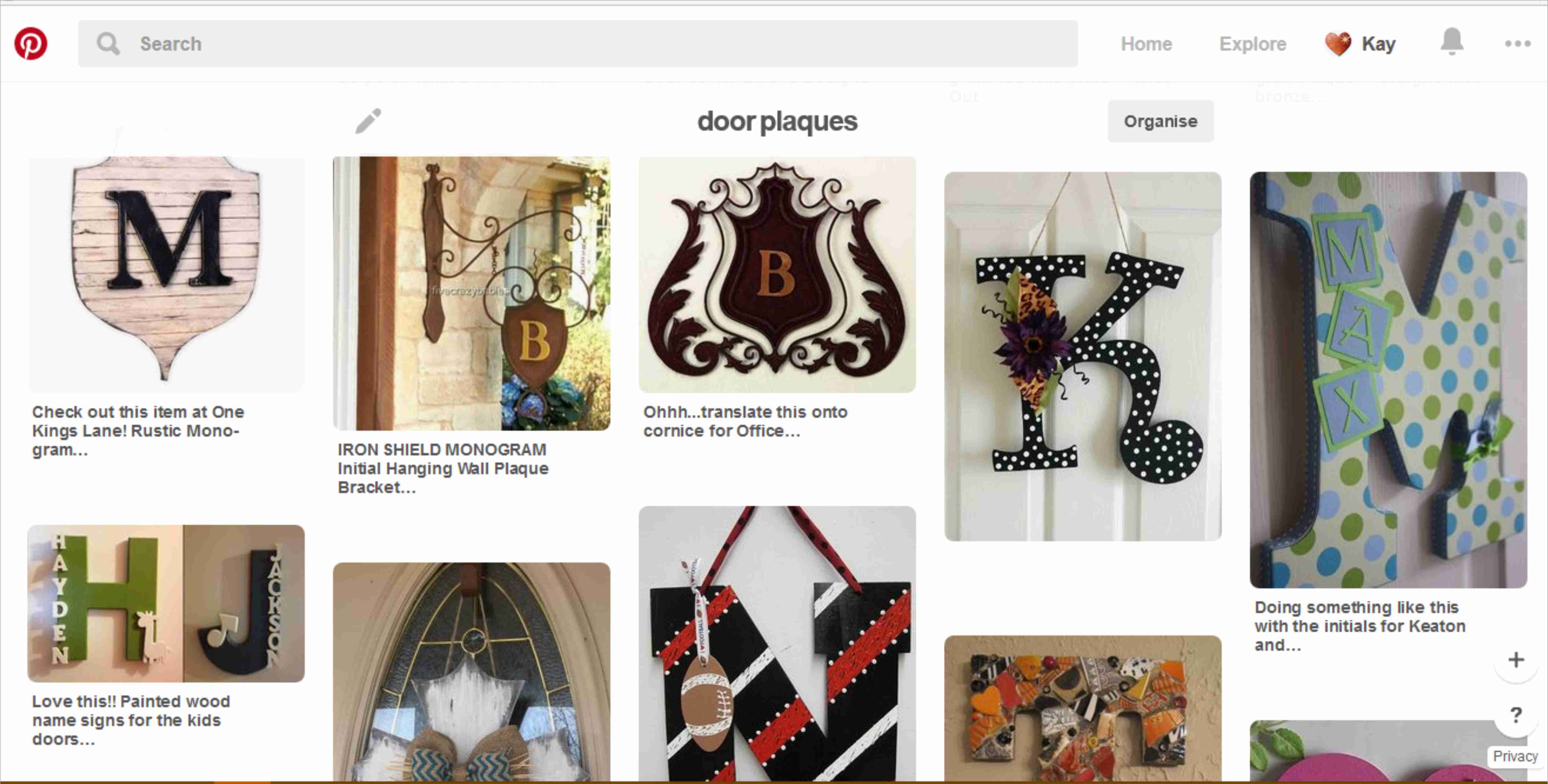
alphabet door plaque pinterest research

Here is a roundup of what I’ve recently been researching and saving to Pinterest.
I thought if I listed those findings here (and gave links to them) then these ready-made resources might save other people time and effort.

Hopefully you might even find some inspiration for your own craft projects.

So far this month I’ve created a Pinterest board for the following area of research:

Alphabet: Initial letters to display on children’s doors.

laser cut MDF letters for door plaques
Screenshot of Pinterest search for shield initial plaques

I then used this general inspiration about shield shapes to come up with a design for a shield-shaped door plaque (click here for tutorial on how to make a shield door plaque with childrenโ€™s initials.)


Have you made anything similar, or seen any good (preferably free) resources that might help other people? If so, please do comment or use the contact form, or tweet @LaserSister

Save

Posted on Leave a comment

My Own List of Top 20 Laser Cutting Blogs

LaserSister trademark logo as laser-cut marquetry heart - background removed

Following on from yesterday when I was excited to find my blog in the top 40 of laser cutting blogs, I have been checking out other blogs on the list and here is a digest of my own favourites (along with the country they are in, in case you are looking for laser cutting services):

Gypsy Soul Laser Cuts (USA) is a lovely blog, with regular updates and lots of craft ideas. They sell laser-cut craft items.

Dragon Powered (UK) has got laser cutting files for sale, to save you having to spend hours designing your own. The blog includes interesting and original information, and technical advice.

Nice Cuts (UK) provide a laser cutting service, and have ideas about how you can use laser cut designs for your own business. They also occasionally have guest bloggers, who share their own experiences of using a laser cutting service.

CUT-TEC (UK) are a laser cutting service and they create really varied laser cut items – including in metal.

Mekkit.com (UK) are another company who produce really varied laser cut products, and have some great photos of their work.

The Altered State (UK) have got at least one great big laser and can cut and etch reeeeally big items.

LaserSister (UK) That’s me! I provide a laser cutting and etching service, but the blog also has technical information about laser cutting, plus news and trends from the lasery world. And will shortly include links to cutting files.

MBJD Laser (USA) seem to pick a different font colour and overall style for every blog post, but I forgive them because they are real people and giving real news about their laser cutting service and products.

Laser Flair (UK) have a laser cutting service and look like they can etch metal and giant pieces of wood for you.

Dot Laser (UK) produce really nice-looking and varied work for clients.

Bespoke Laser UK also produce great looking products, and do an especially nice line in laser-etched bespoke rubber stamps.

LASERCUTIT (UK) have a laser cutting service, for wood, acrylic, paper and card.

Just Add Sharks (UK) have got an article on making a totally mind-blowing ‘phenakistiscope’.

CutLaserCut (UK) work with artists and other businesses to make some really original pieces.

Ponoko (USA, NZ) allow you to upload your artwork, get an instant quote, and then cut and ship the item on the same day. WOW.

Reddit (www) has a thriving laser cutting community and this is a great place to browse and/or ask questions. It does contain quite a bit of spam, but you can easily lose hours just browsing if you are really into laser cutting.

MLC (AUS) have a laser cutting service in Australia, and the blog includes latest trends and news from the lasery world.

Able Engraving (UK) have a traditional engraving service as well as laser engraving, and are experts in signs and awards.

Google News (www) chews up and spits out laser-related news for your information and delight.

(OK, there are only 19 in my current Top 20 list. But the Top 40 list only had 33, so I win!)

Posted on Leave a comment

I’ve Hit the Top 40!

award for top 40 lasercutting blog

Well, this is turning out to be an interesting (and busy!) week.

Checking out my blog stats, it appears that my laser cutting blog is in the top 40 of a list of laser cutting blogs

Medal saying 'Awarded top 40 laser cutting blog'
Woo – some automated software has given me an award!

Disappointingly, there are only 33 websites on the list (I am currently number 30) – so it appears that at the moment if you have a laser cutting blog then you are automatically in the list. On the other hand, (1) I only moved to this website host a few weeks ago, so it’s lucky any web-crawling bots can find me anyway, and (2) at least I’m actually on the list!

I will start to celebrate if I reach number 20 ๐Ÿ™‚

Posted on Leave a comment

Free Sample Day!

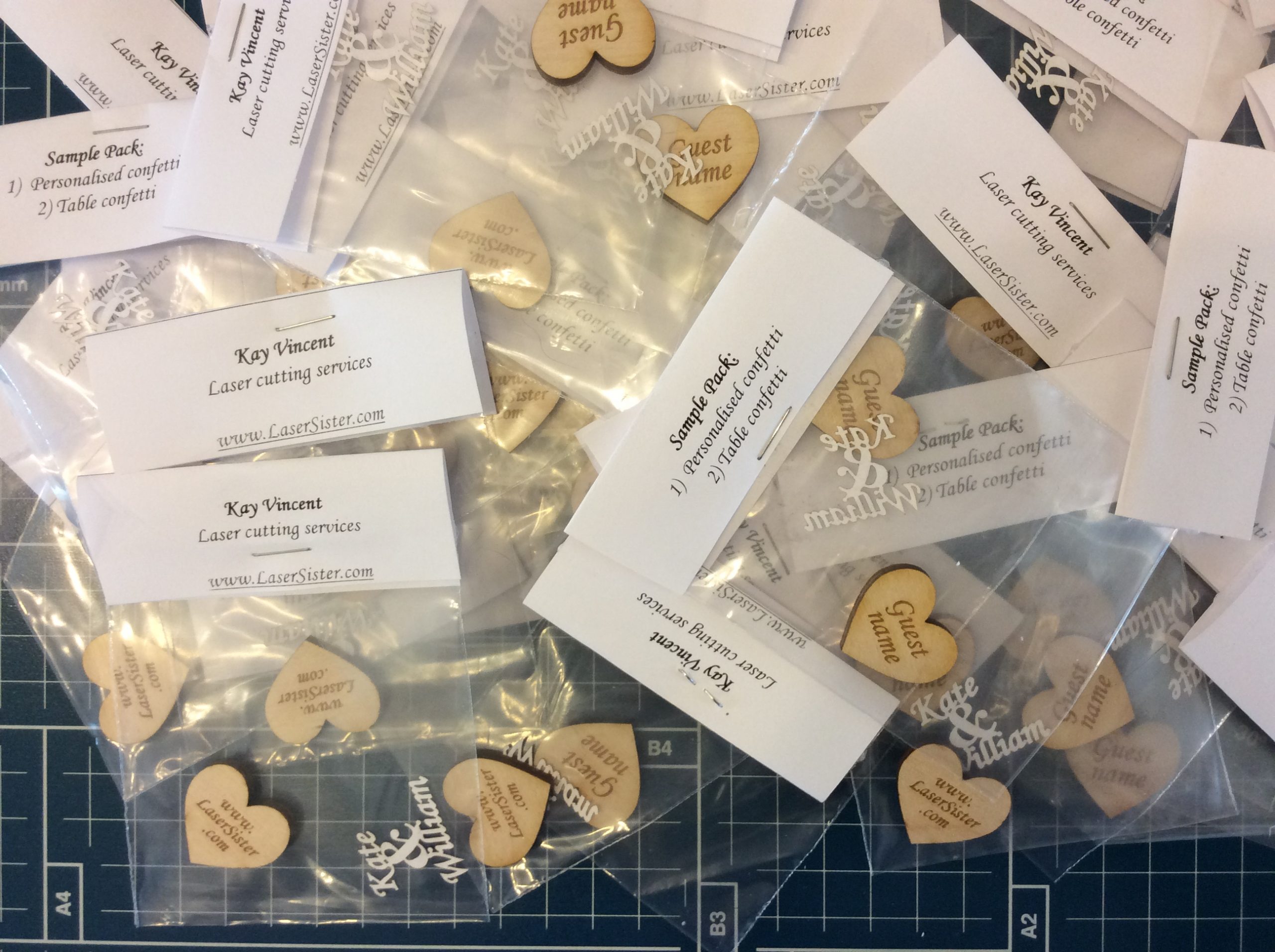
Laser-cut wedding confetti samples - Kay Vincent LaserSister

IMG_3063.JPGLast week at Autumn Fair I got some really nice comments about my wedding-related personalised items, so today I am going to a wedding fair in Worthing to see if anyone there would like some free samples.

I still haven’t seen anyone else yet who makes laser-cut personalised confetti, so I hope I’m offering a useful service ๐Ÿ™‚

Posted on Leave a comment

William Morris Style “K” Initial Coaster

William-Morris-style-coaster-square-LaserSister-KayVincent

Following on from the previous post where I was making some new cards with William Morris style alphabet designs, this is my latest experiment. Same design, but this time it’s etched onto a round wooden coaster instead of cut into card or paper.

Posted on Leave a comment

William Morris Style Alphabet Cards

William Morris style cards - Kay Vincent LaserSister

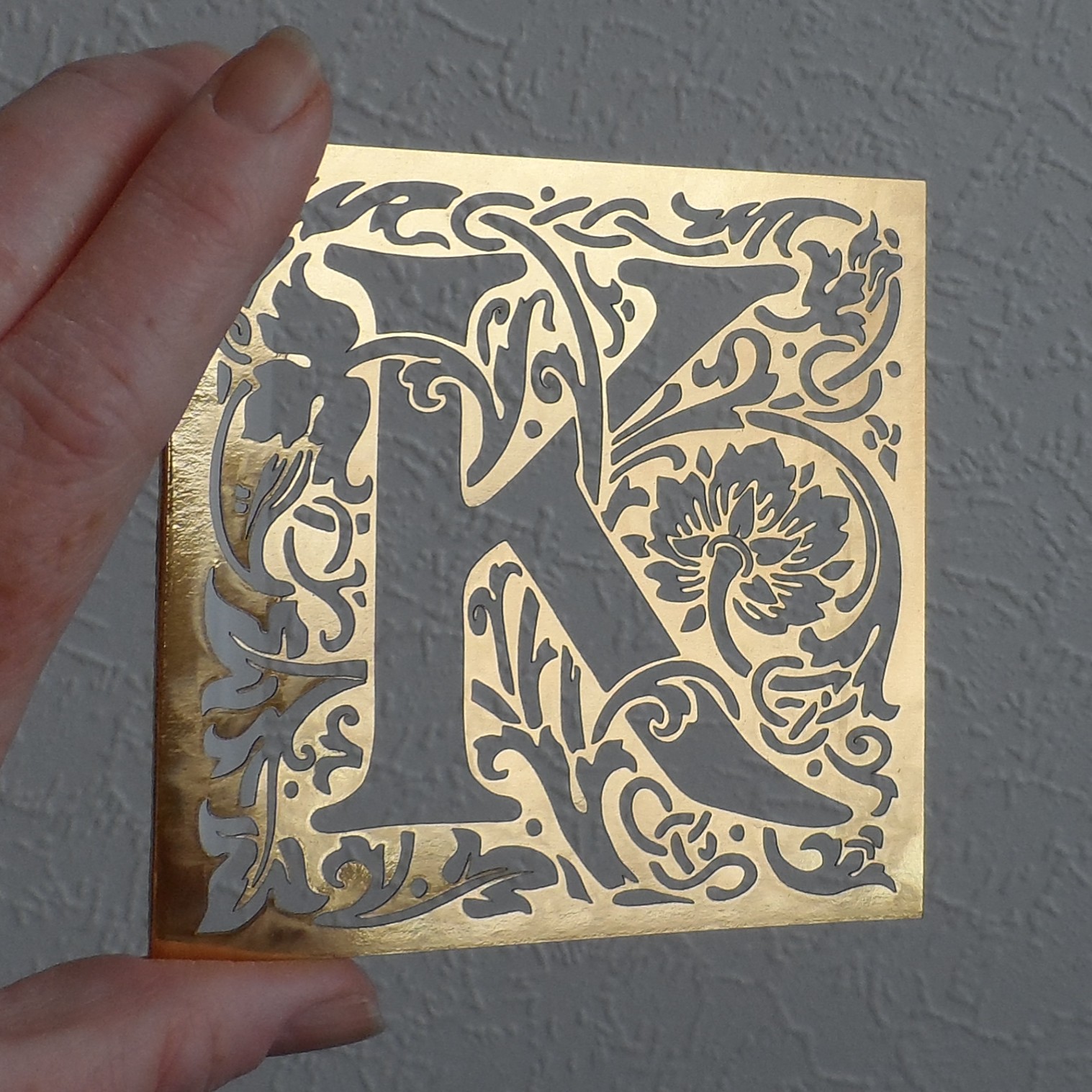
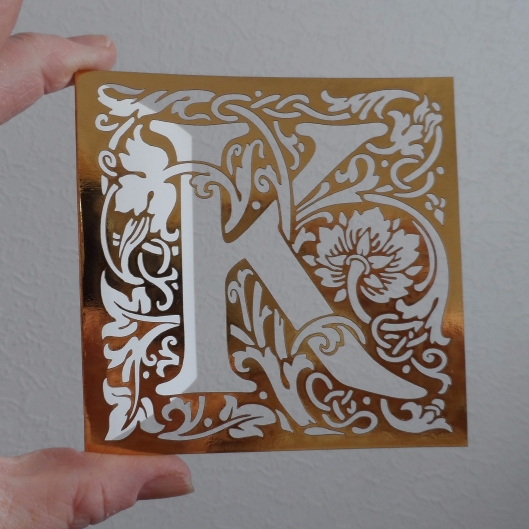
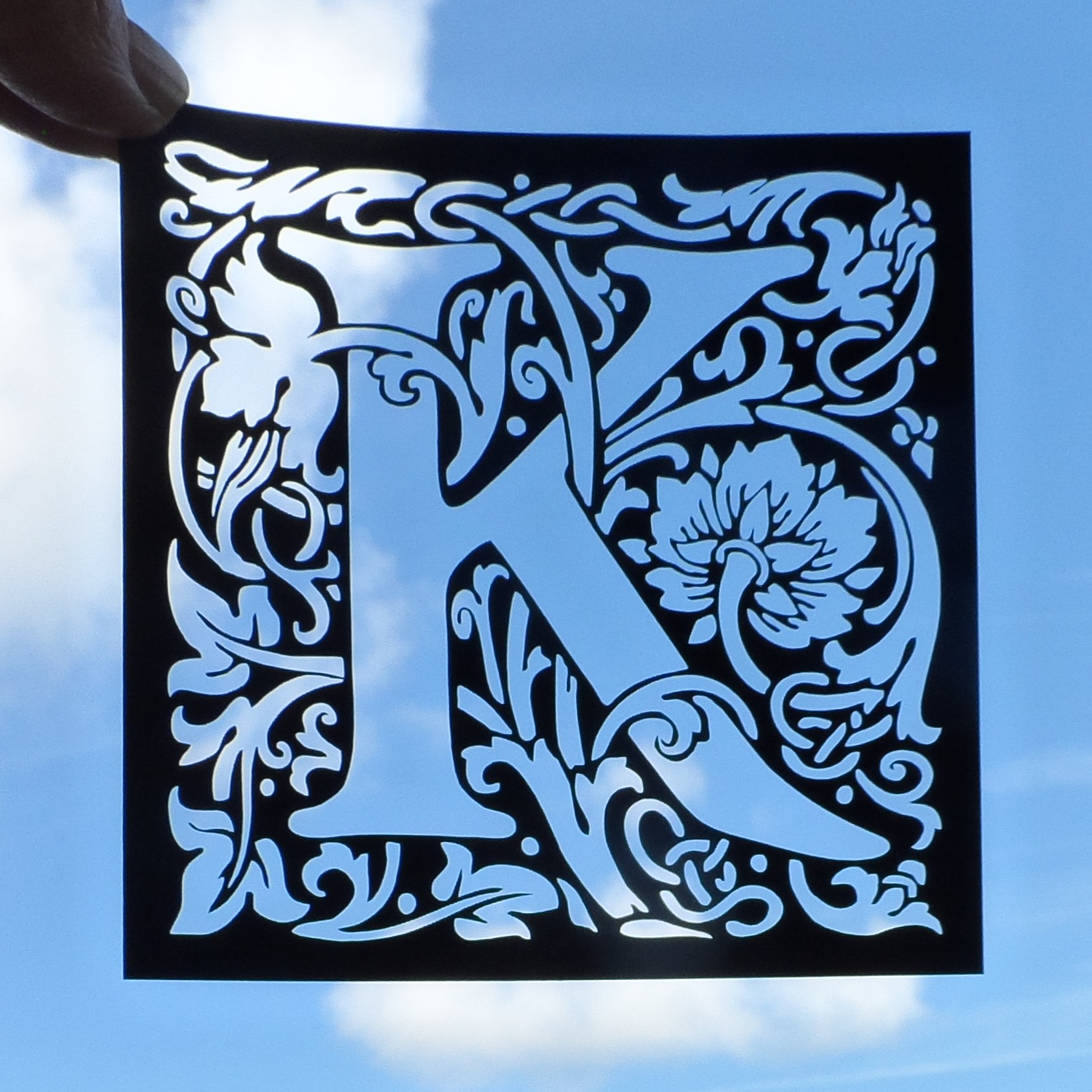
Over the last couple of days I’ve been working on a new set of cards, and here is the newest one; a William Morris (arts & crafts movement) style “K” card:

William Morris arts and crafts style letter "K" laser cut card - gold
Small Square William Morris Style “K”

It can also be made as a card topper, which could be mounted on a bigger card:

William Morris arts and crafts style letter "K" laser cut card topper - black
William Morris style letter “K” laser cut card topper.


Posted on Leave a comment

Laser-Cut Souvenir Fridge Magnets

Seahorse fridge magnet horizontal - LaserSister - KayVincent

This website is being updated daily at the moment as it migrates from our previous provider, but here is a sneak preview of one of the pages that will shortly go live:

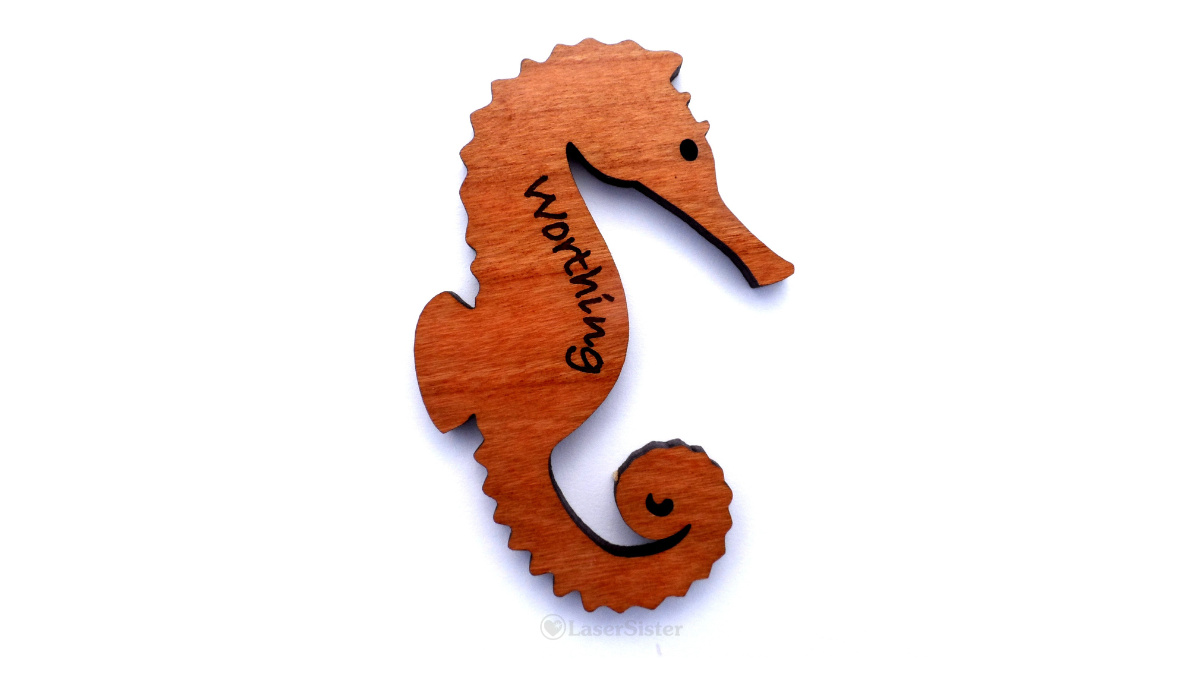
The Fridge Magnets page shows a range of recent (sea-themed) products. They are made from 3.6mm(ish) thick cherry wood laminate and can be etched with a place name or just left blank.

Please click on the photo below for more images.

Laser-cut wooden fridge magnet - Worthing seahorse

Posted on Leave a comment

Step-by-Step: How to Create Hand-Drawn Vectors for Lasercutting

hand-drawn florals for lasercutting - Kay Vincent LaserSister

Laser-cut hand-drawn flower vector

The previous article described how to use ready-made stock vector images for lasercutting work, but sometimes (depending on how the artist created the original image) it can still take several hours of ‘tweaking’ to make them suitable for your own project.

What if you already know the sort of design you want, and could draw it quickly by hand but you’re stuck with using a mouse or trackpad that doesn’t quite do the job? This article will show a quick way to create hand-drawn vector images for your lasercutting projects, that you know will be exactly right for your work because you created them. Plus they’re original and you don’t need to pay anyone for the rights to use them!

You will need:

  • White paper
  • Thick black pen (e.g. a Sharpie, or I just get cheap markers from Wilko)
  • Drawing software (e.g. I use CorelDraw, or you could use Illustrator or others)

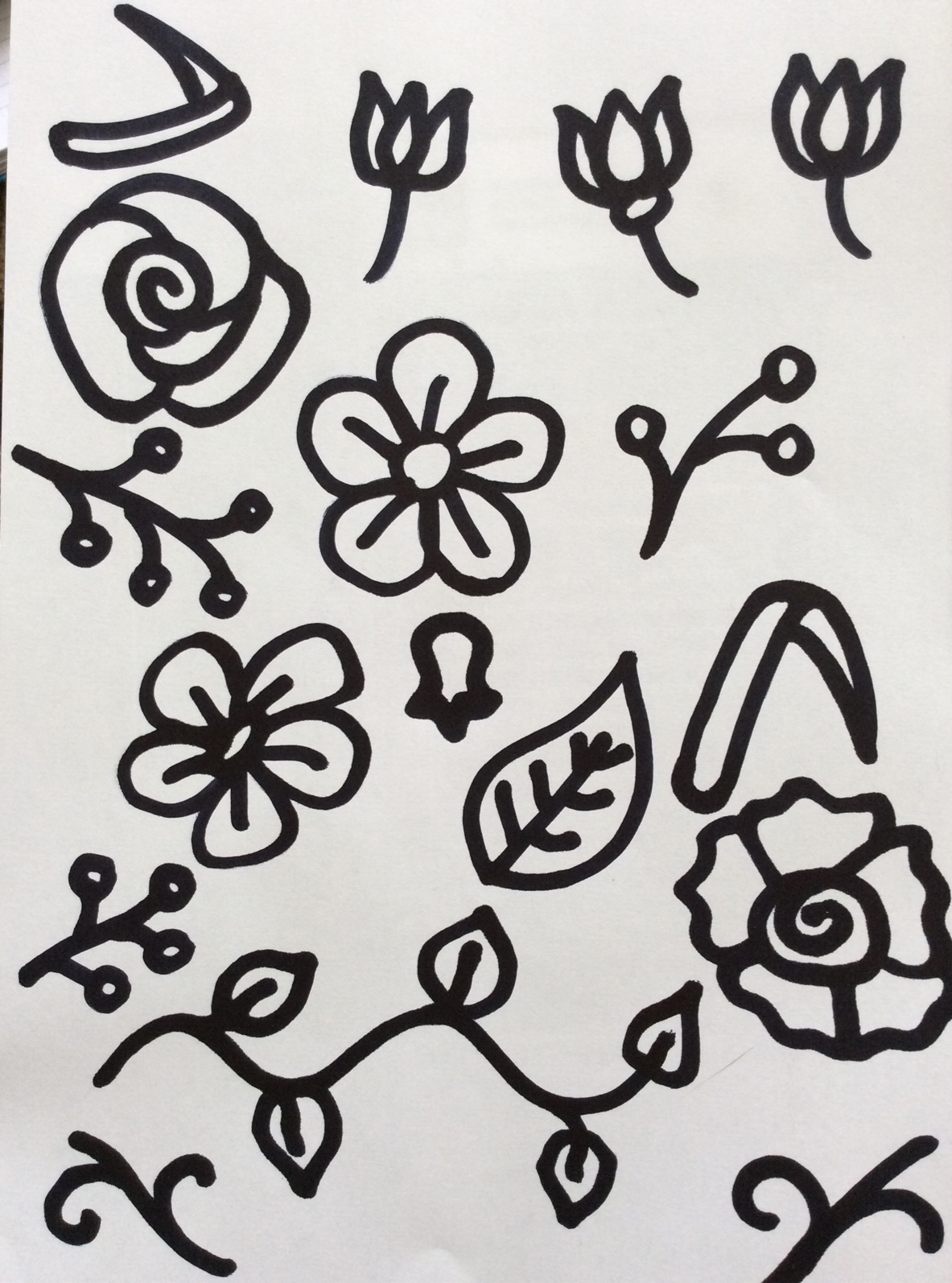
Step 1: Use the thick black pen to draw your designs.

Flower shapes for lasercutting, drawn with a thick black pen
Hand-drawn florals: thick black pen on white paper.

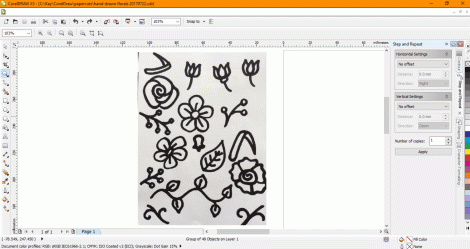
Step 2: Scan or photograph your hand-drawn image, and save it somewhere that you’ll be able to retrieve it from your drawing application.

Step 3: Open your drawing software and import the image (in CorelDraw use Ctrl + I, and in Illustrator I think it’s File > Place)

Photo of hand-drawn flowers has been imported into CorelDraw

Step 4: Now you basically need to get the software to turn your photo (millions of pixels) into vectors (hundreds of coordinates), so you’ll be able to create a design that your laser can cut. In CorelDraw you can do this by selecting the image and then go to Bitmaps > Quick Trace. (In Illustrator it’s called Live Trace.) The software then simplifies blocks of colour and turns them into separate objects:

The black parts of the image have automatically been changed into black objects with smoother outlines.

Step 5: (Optional) The software doesn’t always get the conversion exactly right, so you might end up with an object made up of a couple of layers of colour (in the case below, there is a solid black flower outline, with some grey petal shapes on top of it, instead of being made of thin black outlines). In CorelDraw it’s easy to ungroup the object (Ctrl + U), and then highlight the group of object (e.g. the flower in this case) and go into Arrange > Shaping > Back Minus Front.

Left-hand flower looks like one object ready for lasercutting, but it's actually made up of a big black shape with six grey shapes on top of it.
Left-hand flower looks like one object, but it’s actually made up of a big black shape with six grey shapes on top of it.

Hand-drawn flower vector ready for lasercutting. Grey shapes have been removed, so the flower is now one object made of black lines.
Grey shapes have been removed, so the flower is now one object made of black lines.

Step 6: (Optional) If you want, you can copy shapes and/or move or re-size them until you have the design that you want.

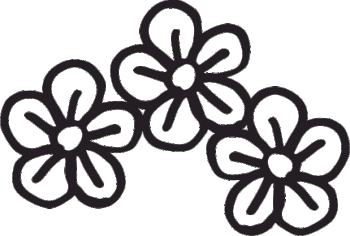
hand-drawn florals combined.gif

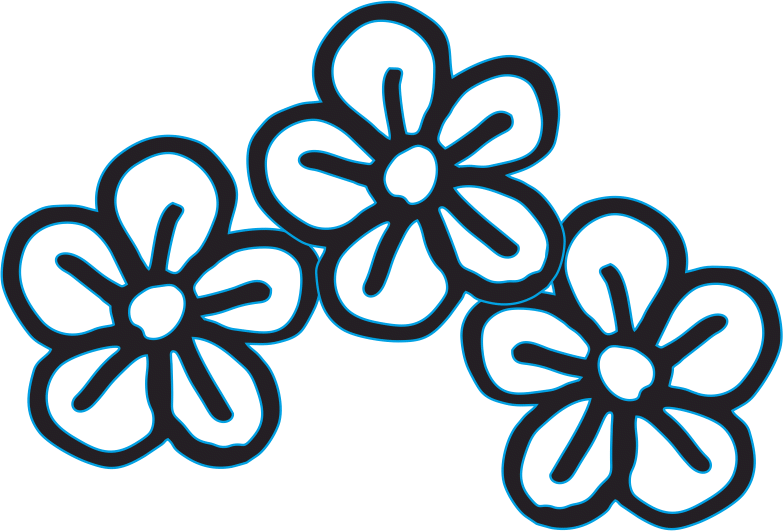
Step 7: If you want to cut the shapes then make sure they have a thin or hairline-width outline, but if you just want to etch the shapes then they don’t need the thin outline:

Hand-drawn flower vectors with thin blue outlines, ready for laser cutting
Hand-drawn flower vectors with thin blue outlines

Step 8: (Optional) If you have combined several shapes in one design, you may need to ‘weld’ them together before you cut them. The laser cutter will cut anything that has a thin outline, and so in the example above, the three flowers would be cut out separately. To make sure the laser sees all of the flowers as one design and not as individual objects to cut out, you can use the ‘weld’ function (in CorelDraw it’s Arrange > Shaping > Weld.)

Hand-drawn flowers with one outline, ready for laser cutting
Hand-drawn flowers with one outline (compare the middle flower with the previous picture), ready for laser cutting

The design should now cut properly.

Laser-cut hand-drawn flower vectors
Laser-cut hand-drawn flower vectors (smaller and larger versions)