As mentioned in an earlier blog post , I follow Joanna Penn’s Creative Penn podcast and was inspired by her New Year newsletter where she invited listeners to share their creative and business goals for 2024. Therefore I’ve declared that one of my creative goals for 2024 is to create at least 52 AI assisted/inspired artworks this year, where I will use AI-generated images as a prompt for actual physical creative pieces. As the year progresses, I’ll note down what happens and what my thoughts and feelings are about it. In the meantime, here we go with AI-Assisted Artwork #1: Heart-shaped wooden fridge magnet.
[By the way, my links in this post aren’t affiliate links or sponsored products. They’re just for info.]
I’ve already been experimenting with a few AI text-to-image generators in the last couple of weeks, and so far the overall results range from “Wow!” to “WTF?”. I haven’t yet found a single image that feels absolutely perfect for me to use immediately, however, that actually makes me happy. If computers can generate perfect art at the push of a button, then what’s the point of humans creating art? And indeed, what would be the point of humans viewing that art? As a creative person, these thoughts can all be very confusing and unsettling. However, as with most things in life, there is a sliding scale of what people find acceptable or unacceptable. Through this AI Made Me Do It project I’m going to attempt to find where my own views are along that sliding scale. (And if I can get the technology to work, I’ll also attempt to find out what other people think.)
AI Assisted Artwork #1
The first step was to come up with a text prompt for generating an image that could be somehow rendered as a physical object. I already had a laser-etched design in mind when I created the prompt, but it took several attempts to get an AI to generate an image that I could convert into something usable.
I started out with the Kittl AI engine, and didn’t get very far. The images were pretty cool (I thought the photography-style images in particular were amazing), but I didn’t feel like I could do justice to any of them:

I continued adapting the prompts to see if I could produce something simpler:

…but although I thought the images were fascinating and they might inspire me for future projects, they weren’t what I was hoping for. Not to mention that Kittl seemed to be deliberately ignoring my instruction about books and pens. The designs were a bit too complex for a first attempt at making something. (I was trying not to be too ambitious with my first design, so that I hopefully wouldn’t be too disappointed with the end result.)
Because Kittl wasn’t producing the goods, I switched to using the Adobe Firefly generator. Again it took me a few iterations of not-quite-what-I-was-looking-for images…

…before it finally produced an image I thought I could use for this project.
Prompt used: “heart-shaped wooden fridge magnet decorated with leather books and 3 pens, with a circle in the centre for text“

It’s not 100% accurate in terms of the brief:
- there are only two pen-looking things instead of three,
- there’s a thing that looks quite like a book, but it’s not particularly leathery and there’s only one of it
- there is a blank space in the middle but it’s an oval rather than a circle
However I quite liked the design and I thought it had the right amount of detail in it for me to attempt to turn it into an actual physical object.
I imported it into CorelDraw (the recommended software for my lasercutting machine), and tweaked the colours to make some areas of the image etch more deeply than others. I also added a hairline-width border around the design, to tell the laser machine to cut out the heart shape.
The CorelDraw screenshot below records my experiments with the colours and settings of the image. Each one took at least a couple of minutes to manipulate, which shows that the process certainly wasn’t a question of just clicking a button to churn out a finished piece.

Eventually I found the right balance of settings, and then etched and cut the heart shape from a sheet of laserable birch-veneered MDF. Here is the lasercutting machine in action (speeded up!):
Below is the original image on the left, then the actual physical piece that I etched and cut. I was fairly pleased with the result, although somehow the etched design seems flatter than the original 2D image?!

Of course now that I’ve made the thing, I can think of zero occasions when anyone would actually want a heart-shaped wooden fridge magnet with designs of pens and books etched into it. However, I can think of several examples of when a heart-shaped magnet would be an appropriate gift or keepsake, provided it had a different design etched into it. How about:
- A “save the date” keepsake item, etched with the bride and groom’s names and the date of the forthcoming wedding.
- Gift for a husband or wife for their fifth (i.e. wooden) anniversary
- Family fridge magnet with names and birthdays listed
- Reminder of inspirational, thought-provoking, or religious quotes
Things I’ve learned
- There is definitely more to creating AI-generated images than just typing in some words and pressing a button. For a start, I constantly had to amend my prompts in order to steer the image closer to what I was hoping for. I went through loads of iterations, and in fact with the Kittl generator I just gave up in frustration because it seemed to be willfully ignoring my instruction to include books and pens in the image. To go from the first attempt to finally receiving an acceptable design took nearly an hour of re-tweaking prompts. Then to go from that image to a suitable format for laser etching took about two more hours. It was very interesting to be part of this human/machine partnership, because we were constantly providing feedback to each other and I’m sure that neither of us could have produced that final design by ourselves.
- Technical lessons. I’ll skip the details because I’m sure they’ll be boring and irrelevant to a lot of people, but basically I’ve discovered several useful skills that I should be able to build on when I’m creating future pieces. E.g. I’ve learned the pros and cons of converting the original image to greyscale bitmap image versus converting it to a vector graphic. (See? Told you it was boring).
Things I still need to learn or improve
- More technical lessons. There are a lot of technical factors that I could improve (mainly to do with the depth and quality of the etching), but considering this is the first time I’ve converted an AI-generated design into a fridge magnet, I won’t beat myself up over it. For now I’m fairly pleased with the result, and I can always try to improve on the object later after I’ve actually gained those technical skills.
- How to streamline the process and waste less time. This is related to the first point, but I do feel like I wasted a lot of time trying to get Kittl to understand what I was trying to achieve (e.g. that I wanted the wooden fridge magnet to have drawings of pens and books etched onto it). So I need to try to find out more about how to give better prompts to AI image generators, to ensure a more accurate result. Also, once I get a handle on the technical aspects I might be able to create a checklist of steps to follow, instead of blundering around experimenting with colour/contrast/brightness settings, etc.
- Keep better records! Even though I’ve only been using these AI image generators for a couple of weeks, I’m already looking back at some of my first experiments and thinking “Ooh, that might work for another project one day. I wonder what prompt and style I used for that image?”, but unfortunately I haven’t noted them all down. I need to find a quick and efficient way to store and retrieve that information. Firefly does keep the prompt details along with the images if I save them to a gallery, but it doesn’t seem to include the styles or effects that were applied. For example there is a lot of difference between the two sets of images below. They both used the prompt “black cat with blue eyes and bat wings”, but the upper set used styles like “anime”, “flat design”, and “line drawing”, whereas the lower set used styles like “photo”, “hyper realistic” and “fantasy”:


(I was going to criticise the number of tails that a couple of those cats have, but then I realised I’d asked for pictures of cats with wings, so I can’t complain that they’re not realistic.)
Hopefully my skills will improve over this coming year as I continue to experiment with using AI-generated images to inspire physical artworks, but for now I’m pleased to have got off to a successful start. The final design might not be something that customers would interested in buying, but at least I’ve proved to myself that I can produce an AI-generated image that can be etched onto a wooden fridge magnet.
Homework:
- Try to find tutorials or tips about Firefly- and Kittl-specific prompts.
- Try to create a “Save the date” fridge magnet.
- Try to create a heart fridge magnet for a fifth (wooden) anniversary
- See if I can find a way to store and organise screenshots of my AI experiments without them taking up too much digital storage space.
- Use a normal AI text-based generator to see if I can get it to suggest some further products.
Thanks for reading this post. If you’ve got any suggestions of prompts or products – or if you’ve been experimenting yourself with AI-generated images – I’d love to hear about them. You can either comment below or send me a message via the Contact form.




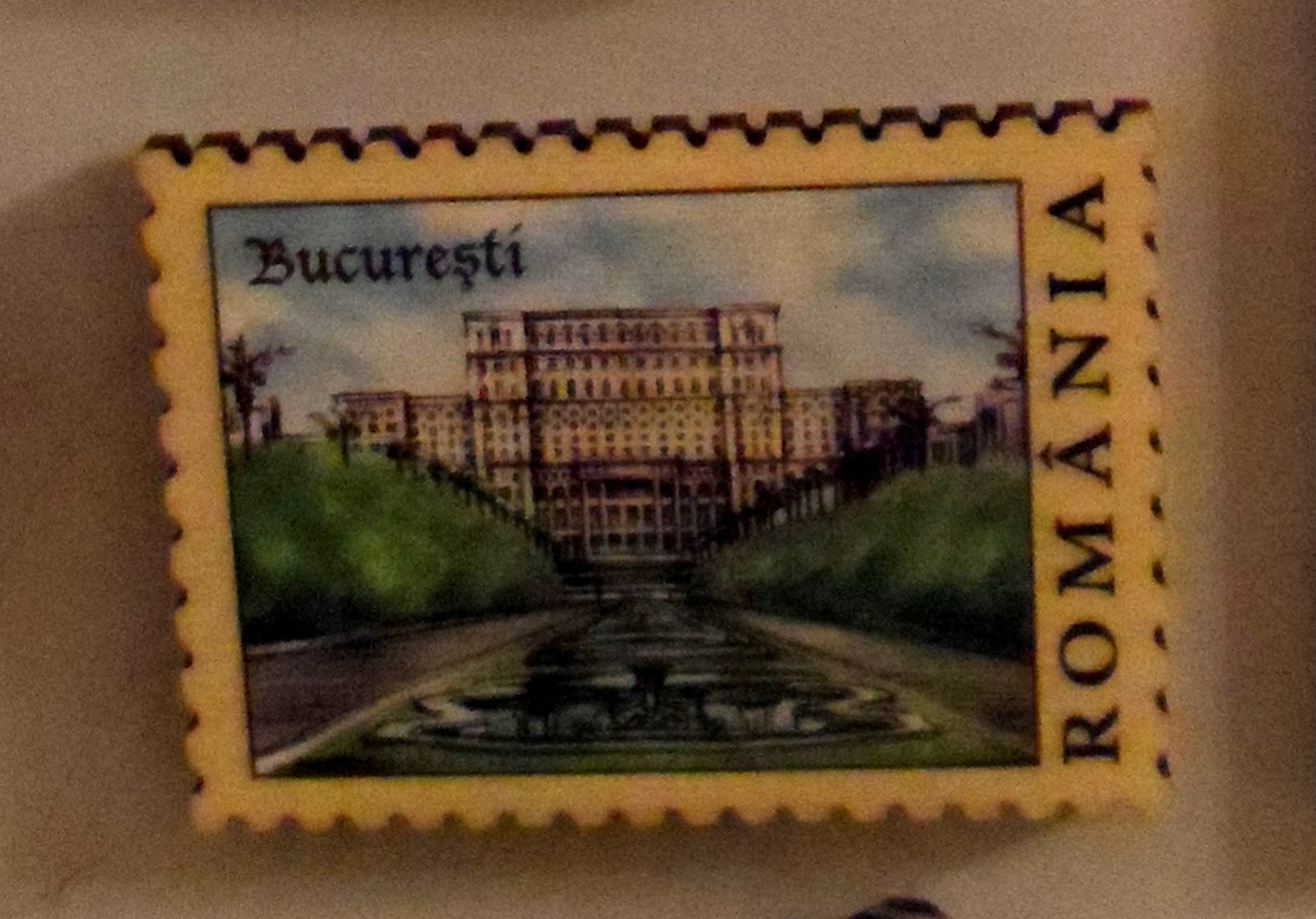


 I like the way that it has two layers to it. But whoever made it has left quite a bit of scorching/smoke-marking on the front, and I’d be really disappointed if I sold a piece like that. On the other hand, I’m too much of a perfectionist. Weird how it didn’t stop me buying a piece, but it would stop me